Aesthetic Sticky Notes for Your Desktop: 7 Looks to Copy (2026)
Aesthetic desktop sticky notes come down to three choices: a small color palette, one font that fits it, and a background that stays behind the text. Microsoft Sticky Notes offers preset colors and no font choice; Apple's Stickies adds fonts and a translucent mode. BetterStickies gives every note its own color, font, opacity, and image or animated GIF background.
What Makes a Sticky Note Look Good
- Two to four colors, not ten. A palette looks deliberate; a rainbow looks like a mess.
- One font. Two at most: one for titles, one for text.
- Readable text. The web accessibility guidelines (WCAG) ask for a contrast ratio of at least 4.5:1 between normal text and its background, or 3:1 for large text (18pt, or 14pt bold). Every look with fixed colors lists its ratio, calculated at full opacity.
- A background that knows its place. A busy photo or GIF behind text needs the note's opacity turned down, or the text gets lost.
- Notes that match the wallpaper. Pull one note color from your wallpaper and the whole desktop looks planned.
7 Looks to Copy
1. The Classic
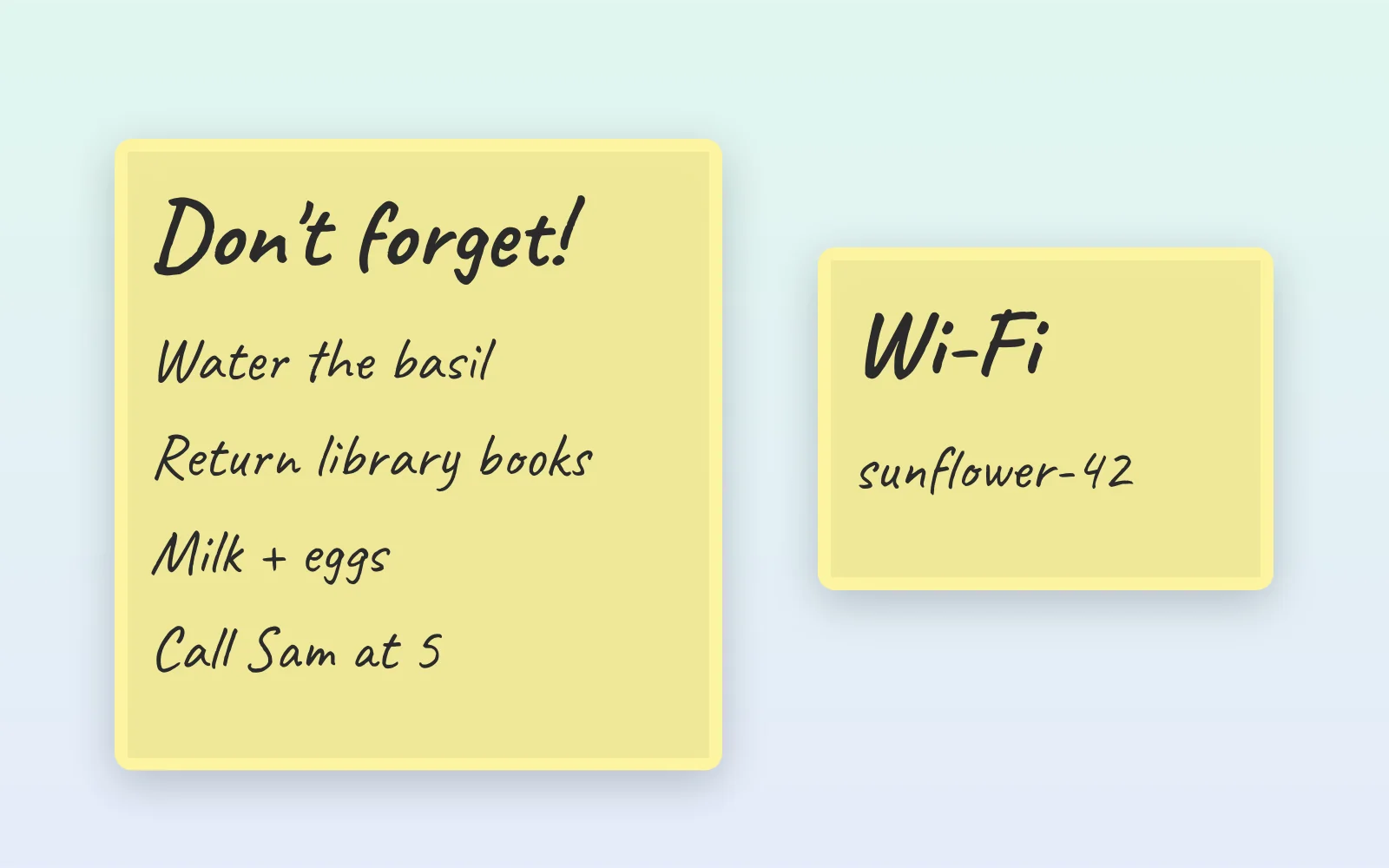
The yellow square everyone recognizes, with handwriting.
- Note:
#FFF59Dwith text#2B2B2B(contrast 12.7:1) - Font: a handwriting font such as Patrick Hand or Caveat, at 14pt or larger
- Opacity: 100%
2. Pastel Study Set
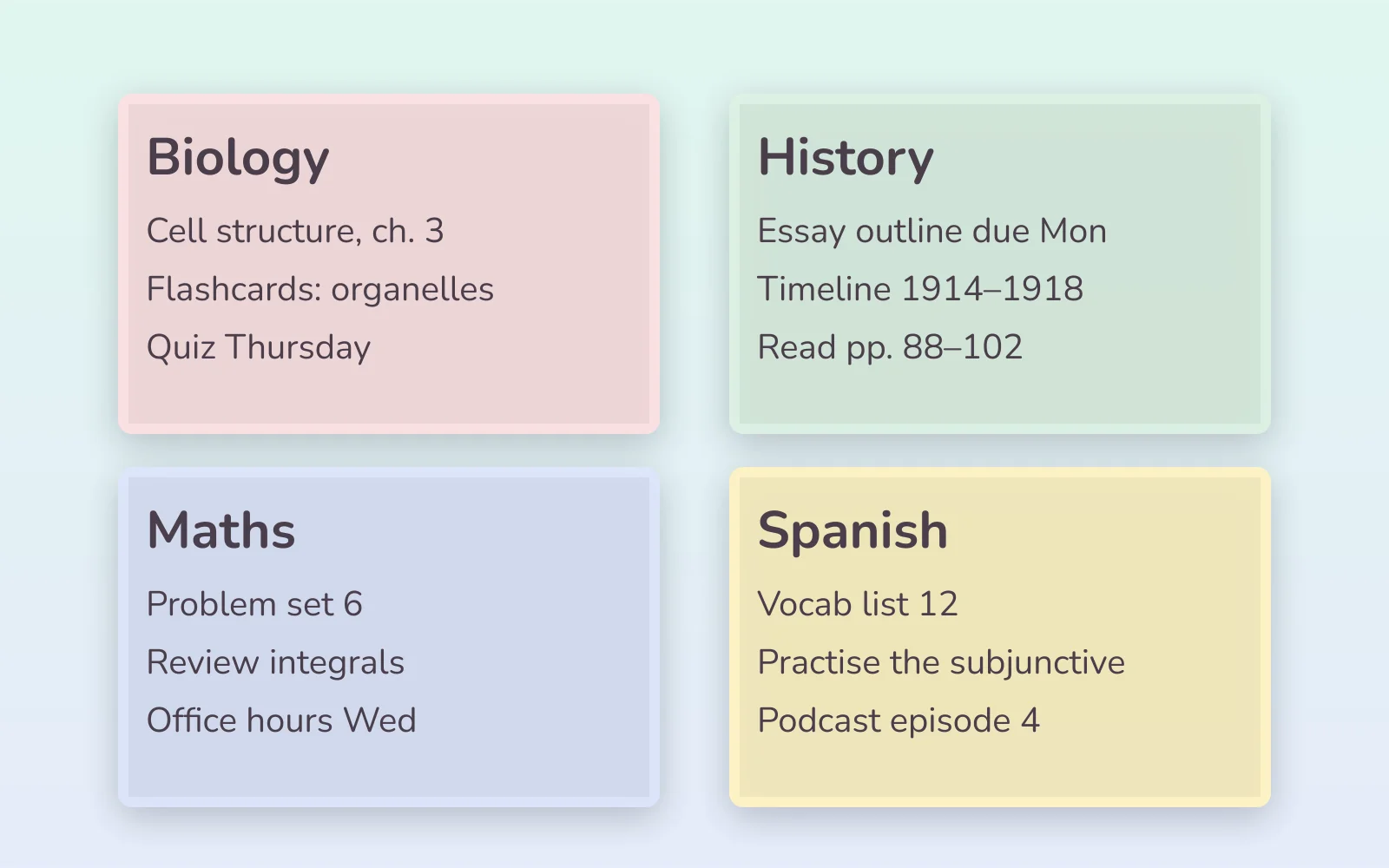
One soft color per subject, all sharing the same dark text, so the set reads as one family. (How to study with them: How to Use Sticky Notes to Study.)
| Subject | Note color | Text | Contrast |
|---|---|---|---|
| Pink | #FDE2E4 | #4A3F4B | 8.2:1 |
| Mint | #DDF1E4 | #4A3F4B | 8.5:1 |
| Periwinkle | #DDE5FB | #4A3F4B | 7.9:1 |
| Butter | #FFF3C4 | #4A3F4B | 9.0:1 |
- Font: a rounded sans such as Nunito or Quicksand
- Opacity: 90% to 100%
3. Sage and Latte
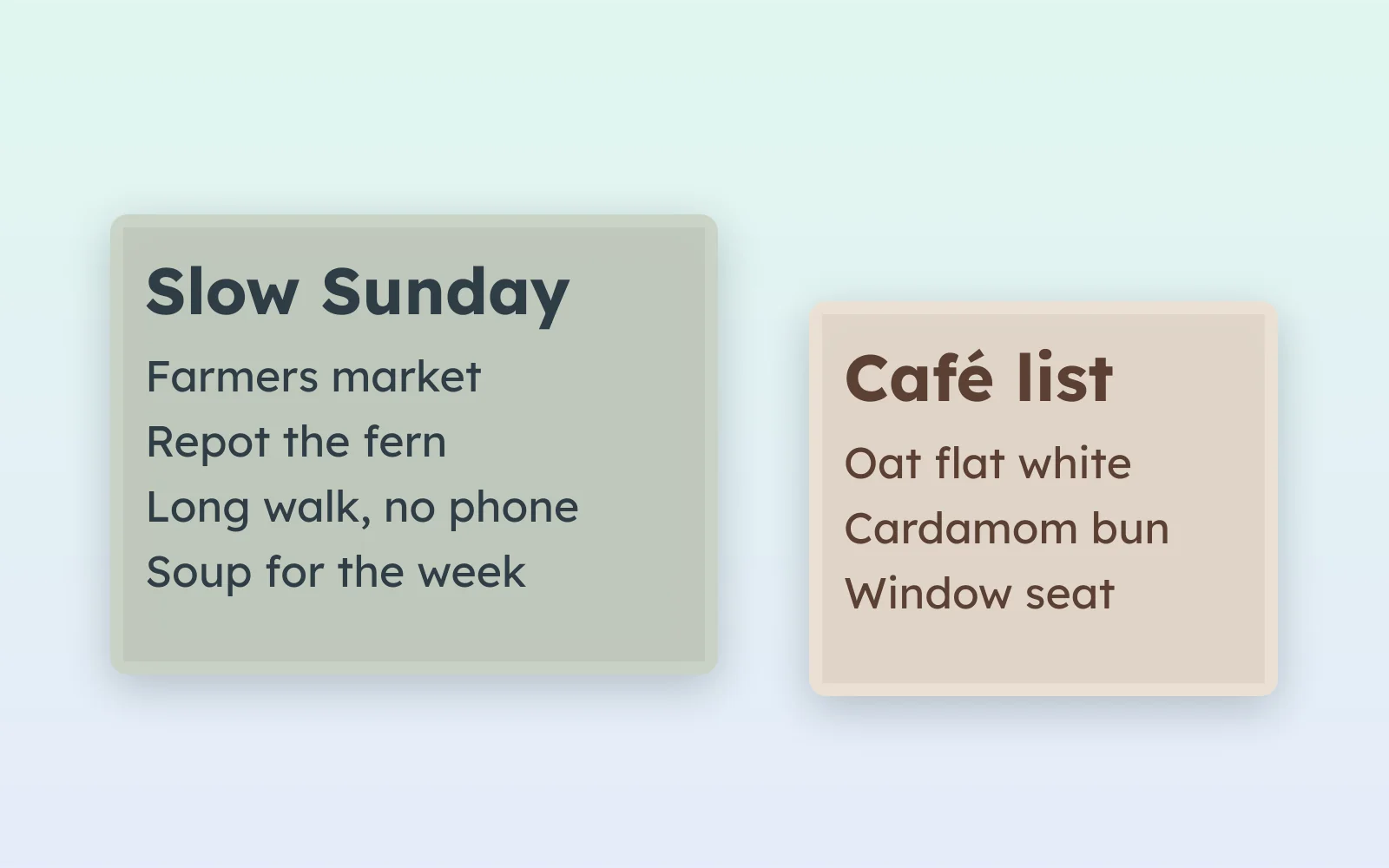
Earthy and calm, and it pairs with plant, wood, and linen wallpapers.
- Sage note:
#CAD2C5with text#2F3E46(7.1:1) - Latte note:
#EDE0D4with text#5C4033(7.3:1) - Font: Lexend or Nunito
- Opacity: 100%
4. Midnight
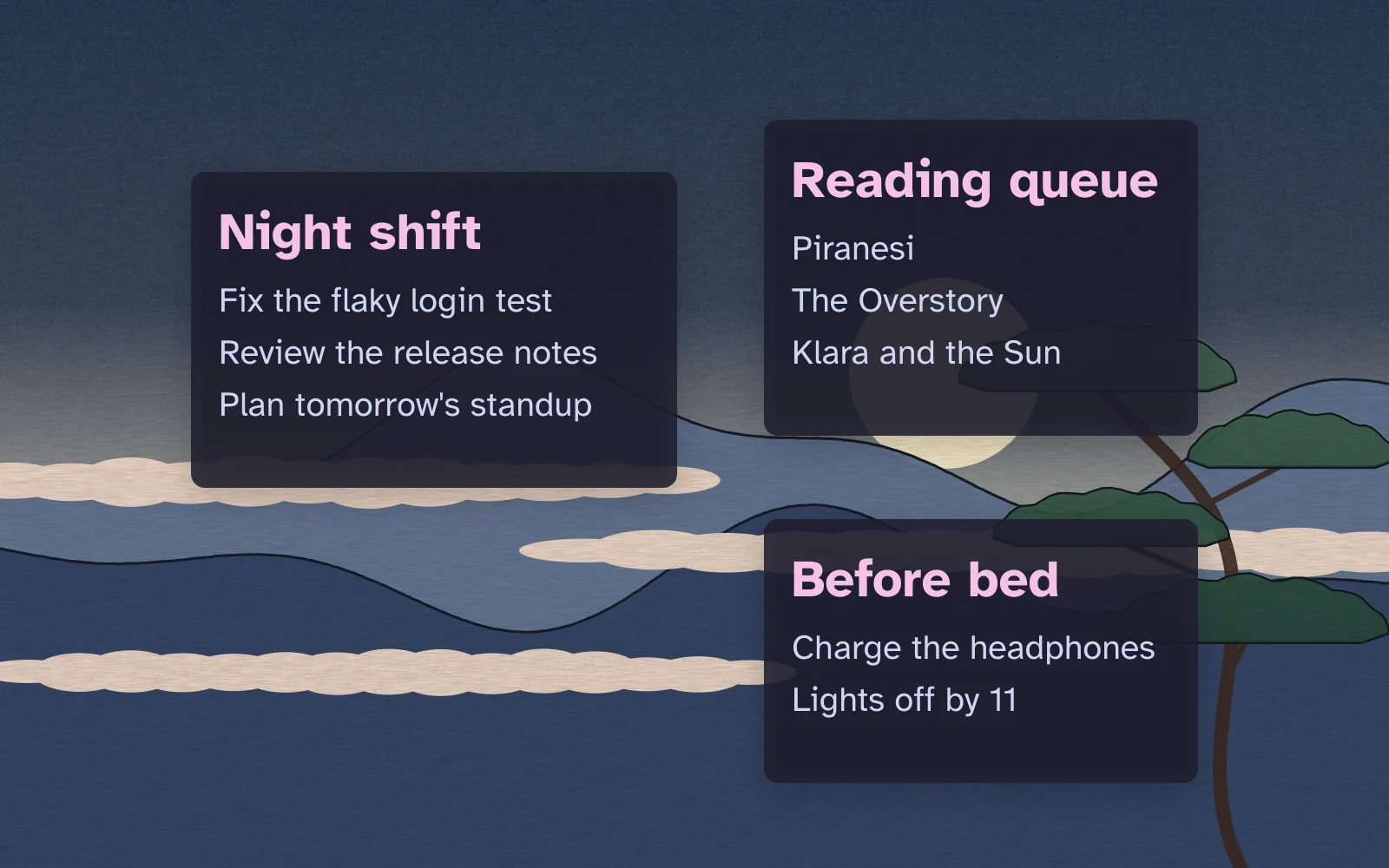
A dark note for dark wallpapers and late study sessions.
- Note:
#1E1E2Ewith text#CDD6F4(11.3:1), and pink#F5C2E7for titles (10.7:1) - Font: Atkinson Hyperlegible, designed for legibility
- Opacity: 85% to 90%, so a hint of the wallpaper shows through
5. Terminal
Green on black, for people who live in a code editor.
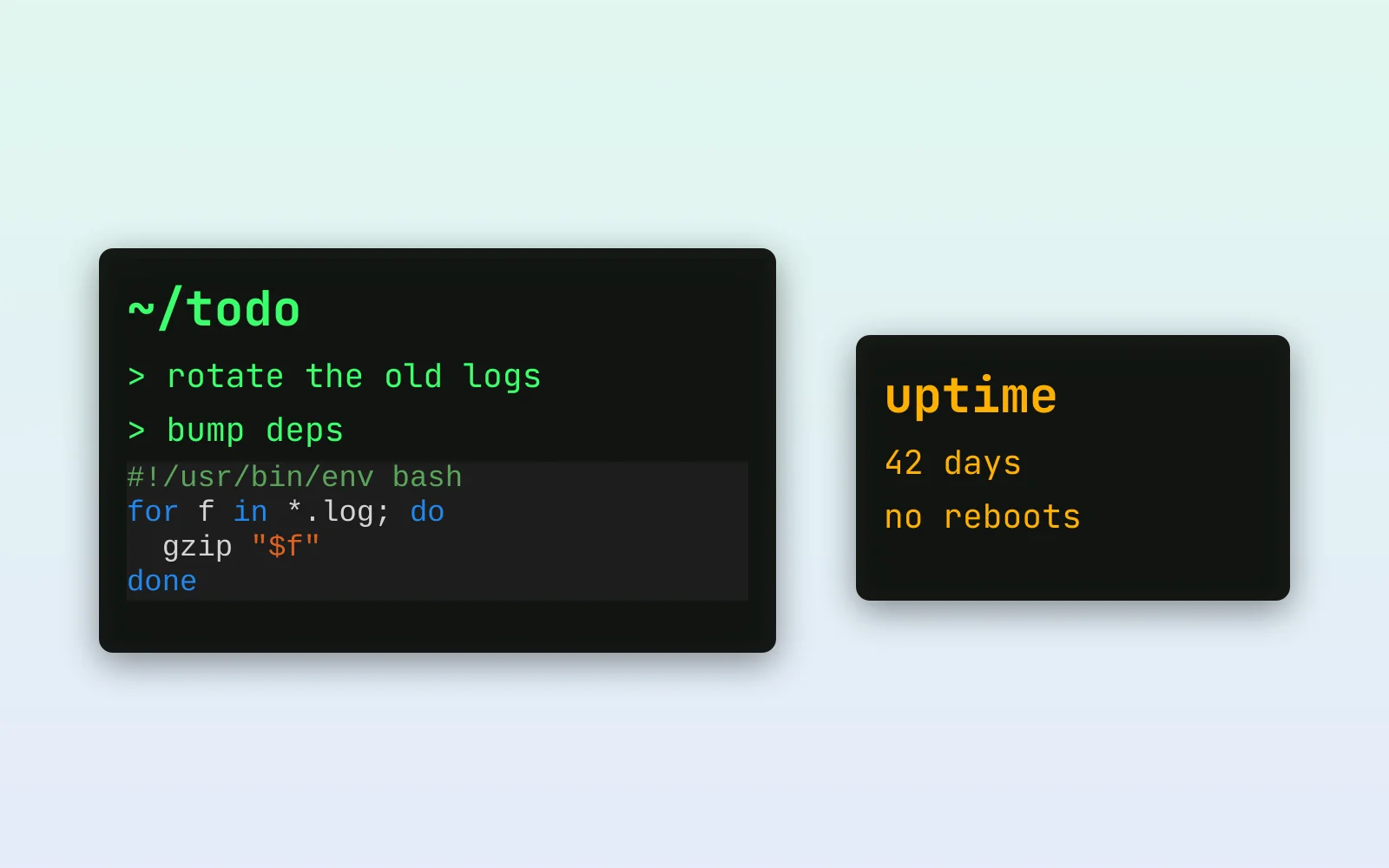
- Note:
#0C0F0Cwith text#39FF6A(14.4:1), or amber#FFB000(10.5:1) - Font: a monospace font such as JetBrains Mono
- Extras: code you paste into BetterStickies becomes a code block, whose background follows the app's theme, so set Theme to Dark and it sits dark on the dark note
6. Glass
A see-through note floating over the wallpaper.
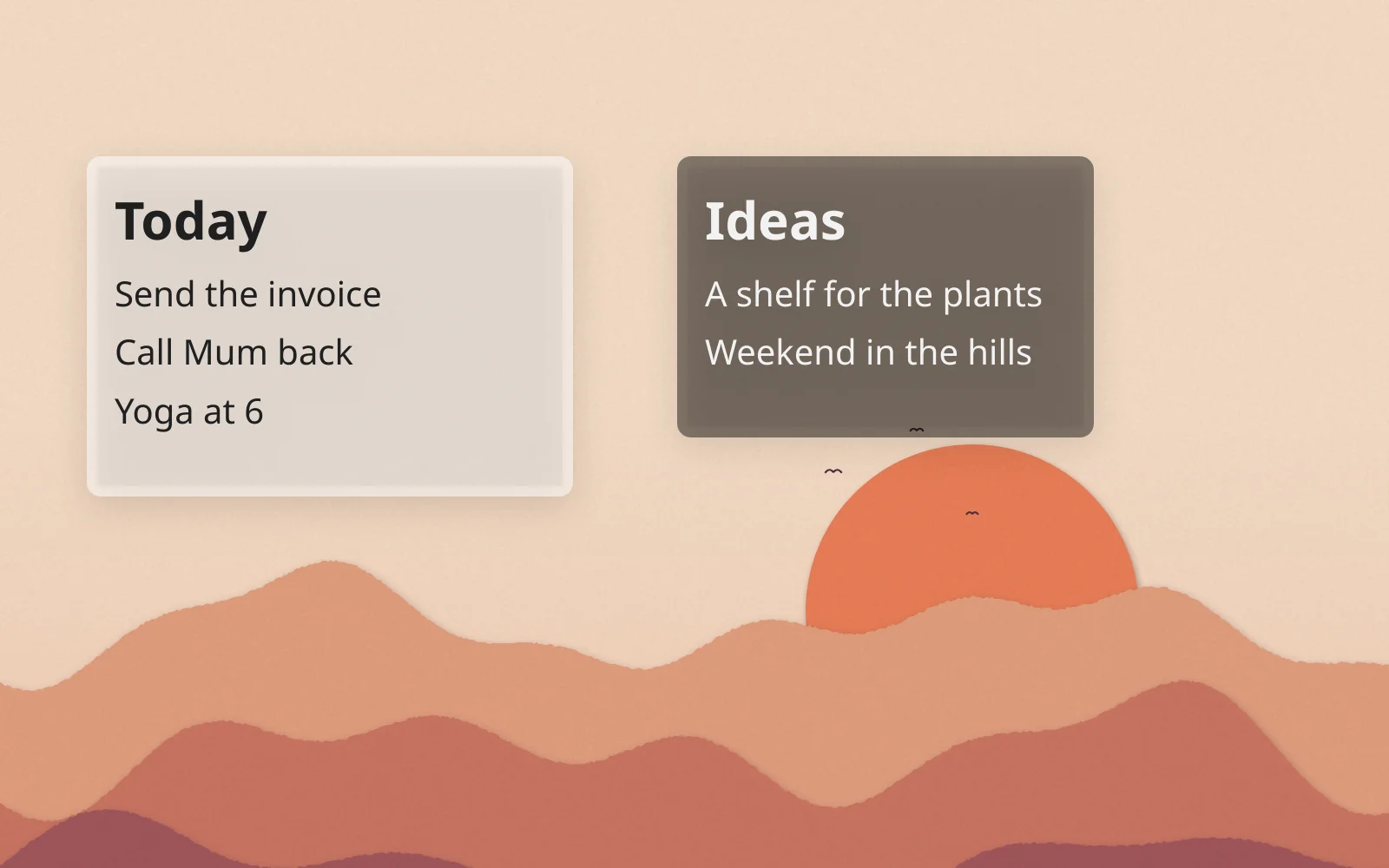
- Note: white
#FFFFFFwith text#1F1F1F(16.5:1), or black#000000with text#F2F2F2(18.8:1) - Opacity: 40% to 70%
- Placement: over a calm, even part of the wallpaper (sky, a blurred area, a solid band)
The contrast ratios above only hold at full opacity: at 50%, your wallpaper becomes half the background. Put a glass note over a busy area and the text disappears. If you have to squint, raise the opacity.
7. Cozy Animated
A looping GIF behind the note: rain on a window, a flickering candle, a slow pixel-art scene.
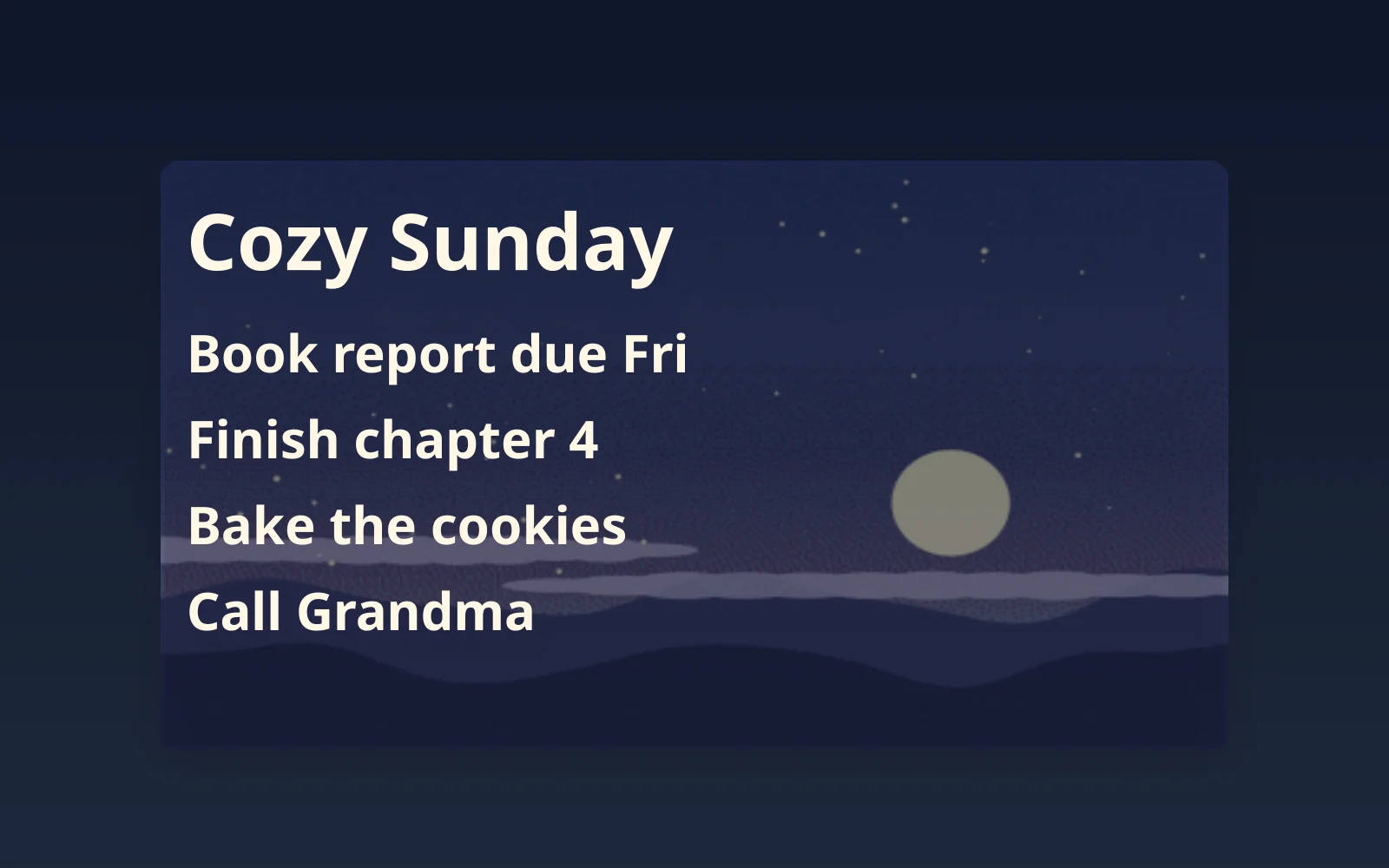
- Background: an animated GIF, faded with the opacity slider until the text reads easily
- Text: short, bold, and large (a title, a deadline, three to-dos)
- Opacity: start around 50% and adjust
Keep animation to one note. One moving note is cozy; four are distracting.
The One That Fails
Terracotta #E07A5F with white text looks great in a mood board and measures 2.95:1, well under 4.5:1. Swap the text for near-black #1F1F1F and it passes at 5.6:1. When a combination feels hard to read, it usually measures that way too.
How to Set Up Aesthetic Notes in BetterStickies
Everything below lives in each note's Note Settings: hover over the note and click the gear icon in its header.
- Font: pick any font installed on your computer, at 8pt to 72pt, with line spacing from 100% to 200%.
- Note color: click Background Color to open a grid of 40 colors, your recent picks, and a color square with a hex field. Paste a hex value from this article (with or without the
#). - Text color: click the text color button in the same dialog.
- Opacity: drag the Background Opacity slider (1% to 100%); the note previews live as you drag.
- Background image: click Choose Image..., or drag an image file onto the dialog. PNG, JPG, BMP, WebP, SVG, ICO, TIFF, and GIF all work, and GIFs animate and loop. Lower the opacity to blend the image with the note color: text is easier to read over a busy image that way.
- Title: double-click the date in the note's header and type a title of up to 50 characters.
Two settings make a whole desktop look consistent:
- Defaults for new notes: in the hub, Menu > Settings > Note Defaults sets the font, colors, size, opacity, and line spacing for every new note, so your palette is the starting point.
- Snap to grid: Menu > Settings > Grid lines notes up in a neat grid while you drag them.
The app's Dark, Light, or Auto theme changes dialogs and menus only; it never recolors your notes.
Fonts and Backgrounds You Can Use Freely
Fonts. Every font named above is free on Google Fonts under the SIL Open Font License; Google says all Google Fonts are open source and free to use, commercially too. Download a font, then install it:
- Windows: right-click the font file and select Install.
- Mac: double-click the font file, then click Install in the window that opens.
- Linux: on GNOME, open the file in the Fonts app and install it (or copy it to
~/.local/share/fonts/); on KDE Plasma, use Install from File... in System Settings' font management.
Then pick it from the font list in Note Settings.
Photos. Unsplash and Pexels photos are free to use without asking or crediting the photographer, which covers a note background. Their licenses still have limits (Pexels, for one, doesn't allow showing identifiable people in a bad light), and Unsplash+ images are subscriber-only.
GIFs. GIPHY's terms allow its GIFs for personal use within GIPHY's own services and don't cover reuse elsewhere, and the people who upload GIFs keep their rights. The safe routes are a GIF you made yourself (from your own video or pixel art) or one whose creator says you can use it.
What's free: every look above works in the free version, including animated GIF backgrounds. The free version holds 4 notes (each extra tab inside a note counts as one); a one-time Premium unlock, currently $7.99, removes the limit. BetterStickies is a desktop app, with no phone app or home screen widget.
How Other Sticky Notes Apps Compare on Looks
| BetterStickies | Microsoft Sticky Notes | Stickies (Apple) | Stickies (Zhorn) | Notezilla | |
|---|---|---|---|---|---|
| Platforms | Windows, Mac, Linux | Windows | Mac | Windows | Windows, plus phone apps |
| Note colors | 40-color grid or any hex | Preset colors, light or dark mode | Color menu | Any color | Unlimited colors |
| Fonts | Any installed font, 8pt to 72pt | Can't change the font or text size | Any font, through the Fonts window | Changeable | Font style and color |
| See-through notes | Opacity 1% to 100% | Not documented | Translucent | Transparency setting | Partly or fully transparent |
| Background images | Any image; GIFs animate | Not documented (pictures go inside the note) | Not documented (pictures go inside the note) | Through skins | Paper-like skins |
| Price | Free for 4 notes; $7.99 one-time | Free | Free | Free | About $30 |
If one yellow note is all you need, the app already on your computer is fine. The more your notes are part of how your desktop looks, the more per-note control matters.
FAQ
How do I make sticky notes aesthetic on Windows?
Pick two to four colors and one font, then set them per note. Microsoft Sticky Notes offers preset colors and a light or dark mode, but no font choice. BetterStickies sets any color by hex value, any installed font, opacity, and image or animated GIF backgrounds per note, and makes your palette the default for new notes.
Can you change the font in Microsoft Sticky Notes?
No. Microsoft's support page says the font and text size can't be changed. You can add bold, italic, underline, strikethrough, and bullets.
How do I make a sticky note transparent?
On a Mac, Apple's Stickies has Window > Translucent. In BetterStickies, use the Background Opacity slider in Note Settings, from 1% to fully opaque.
Can a desktop sticky note have a GIF background?
In BetterStickies, yes: choose a GIF as the note's background and it animates and loops. Lower the opacity so the text stays readable.
What colors look good for sticky notes?
A small family of colors that share one text color: the pastel set above, or sage and latte. Check the contrast between text and note: 4.5:1 or higher reads comfortably.
How do I keep text readable on a picture background?
Lower the note's opacity so the image fades toward the note color, use bold or larger text, and choose images with a calm area where the text sits.
Can I have an animated wallpaper instead of animated notes?
On Windows, Wallpaper Engine (US$4.99 on Steam, Windows only) animates the whole wallpaper. An animated GIF note background animates one note, on Windows, Mac, or Linux, and pairs well with a still wallpaper.
Are there aesthetic sticky notes for a MacBook?
Apple's Stickies comes with every Mac, with colors, fonts, and a translucent mode, and Window > Use as Default makes a styled note the template for new ones. BetterStickies also runs on Apple Silicon Macs with macOS 13 Ventura or later, with per-note hex colors, opacity, and GIF backgrounds. The full comparison: Sticky Notes for Mac: Better Stickies vs Apple's Stickies.