Stick Anything to Your DesktopSticky Notes for Windows, Linux & macOS
Sticky notes that hold files, screenshots, code blocks, and GIF backgrounds. Split a note into tabs, set reminders, and keep everything offline. Free to use on Windows, Linux and macOS.
Also available on





Paste anything. It lands formatted.
Copy a screenshot, a folder, a block of SQL, a Markdown file, half a web page. BetterStickies works out what it is and formats it to match the note. No dialog, no import step.
You copied
What lands in your note
Copy it in your file manager, then paste: it becomes a clip with a play badge showing its length. Click it to play it in the note (the Snap and Arch builds open your default player).
A shortcut per file, each with its type's icon. Click one to open it.
The picture itself, inline, right where the cursor is. Saved with the note, so it survives a restart.
Those words, now a link to that address.
A monospace code block on a tinted background, detected from the shape of the text. No language to pick.
Real formatting. Headings become titles, checkboxes become clickable, fenced blocks become code blocks.
The formatting that matters is kept: bold, links, lists, highlights, headings. Fonts and sizes are dropped so the text takes on the note's own. Tracking pixels are stripped.
A clickable link with a globe icon. Right-click to rename, copy, or remove it.
Plain text, in the note's own font and color. The fallback when nothing else fits.
- Ctrl+M
Guessed wrong? Turns a code block back into normal text. Press it again to go the other way.
- Ctrl+Shift+V
Want none of it? Pastes raw text in the note's own font. Nothing detected.
- Ctrl+Alt+V
No note open? Captures the clipboard into a new note, from anywhere. Out of the box on Windows and macOS (⌃⌥V on a Mac); one-time setup on Linux, not available in the Snap or Flathub builds. Linux setup
Make it yours.
Every note carries its own font, color, opacity and background. Set them on one note, or set the defaults once and every new note follows.
See-through notes
1% to 100%Any image, even animated
PNG · JPG · SVG · GIF · WebP · BMP · ICO · TIFF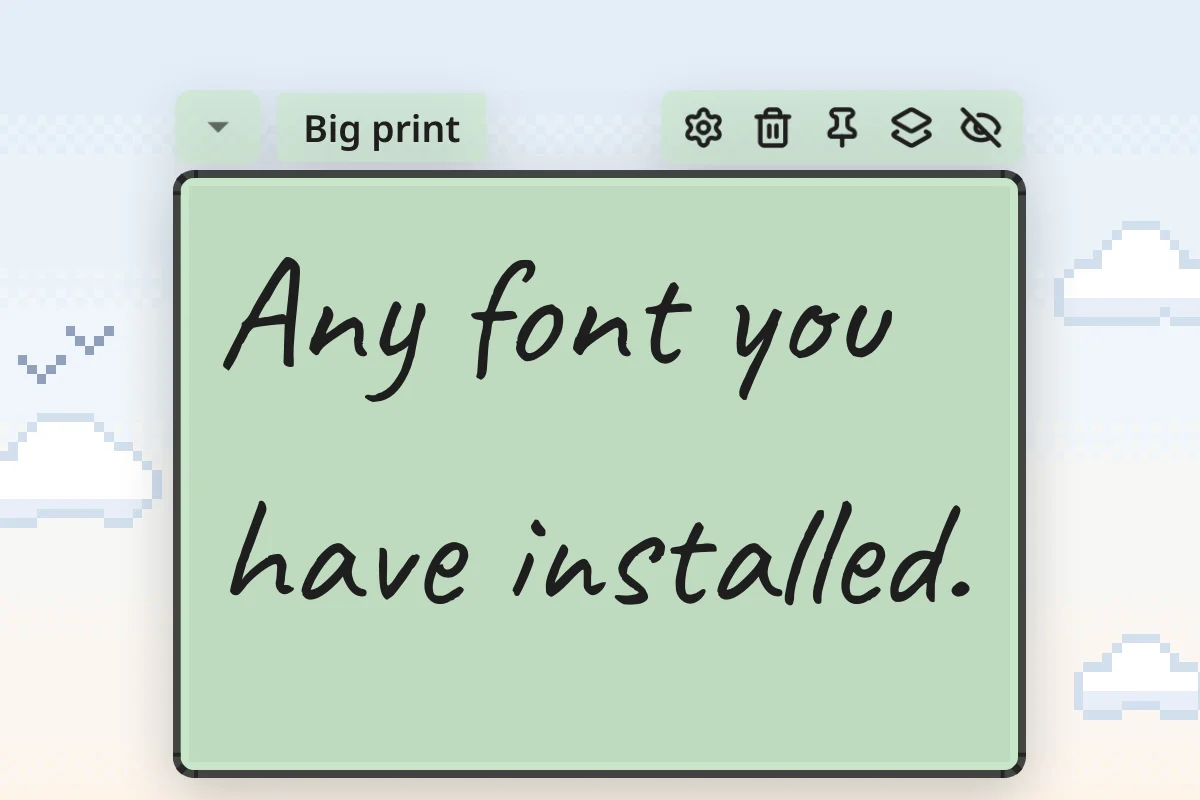
Your fonts, your size
8pt to 72pt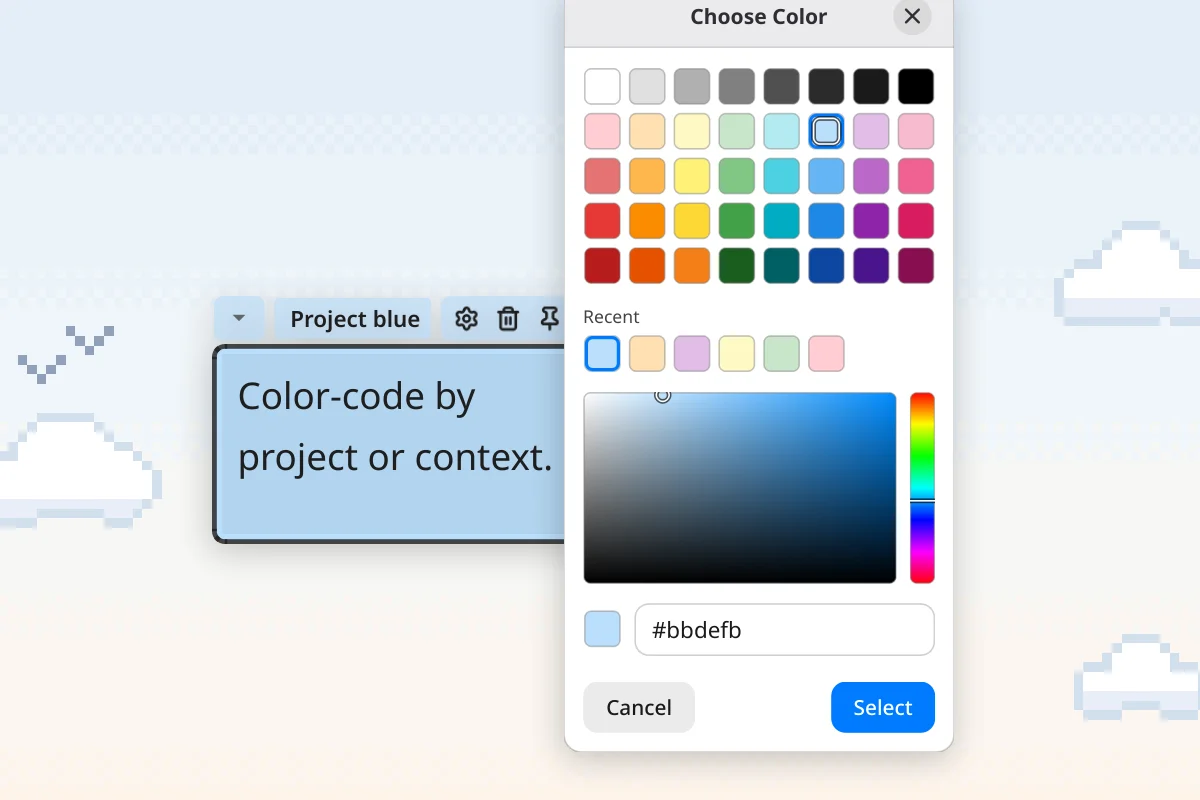
Forty colors, or any hex
Presets · Recents · #hex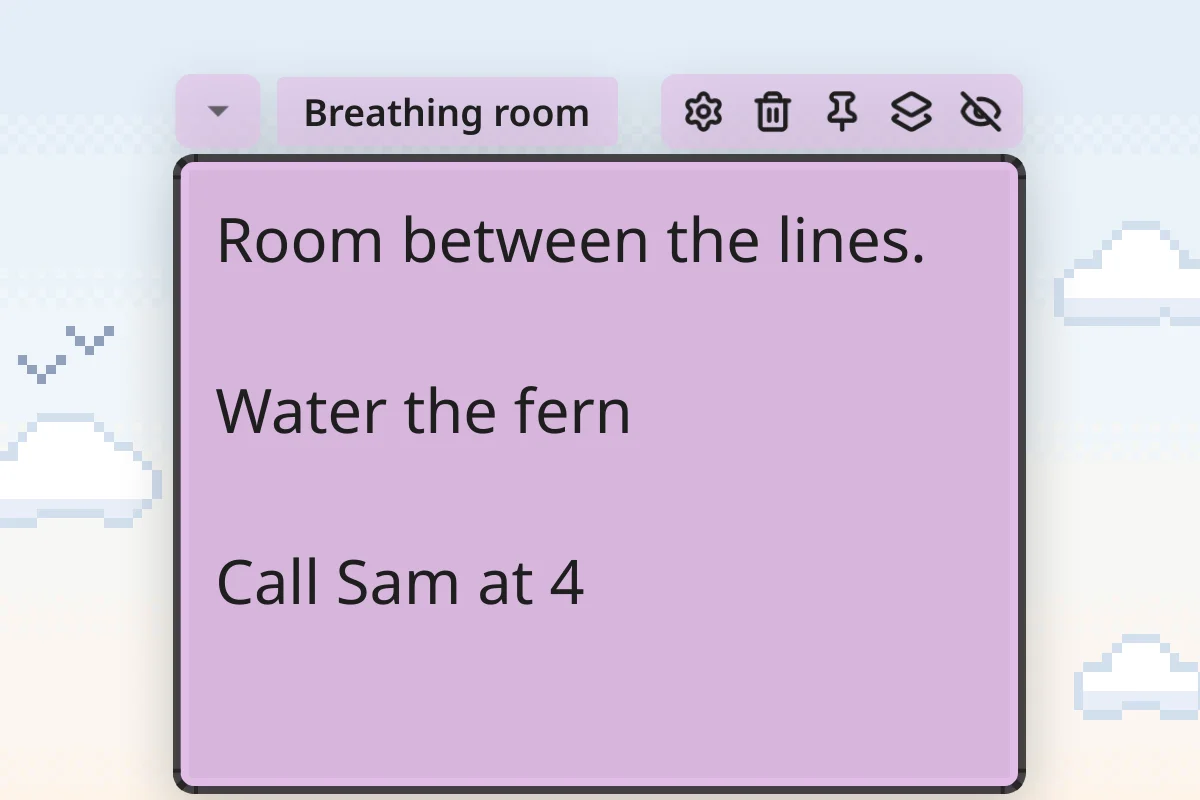
Line spacing
100% to 200%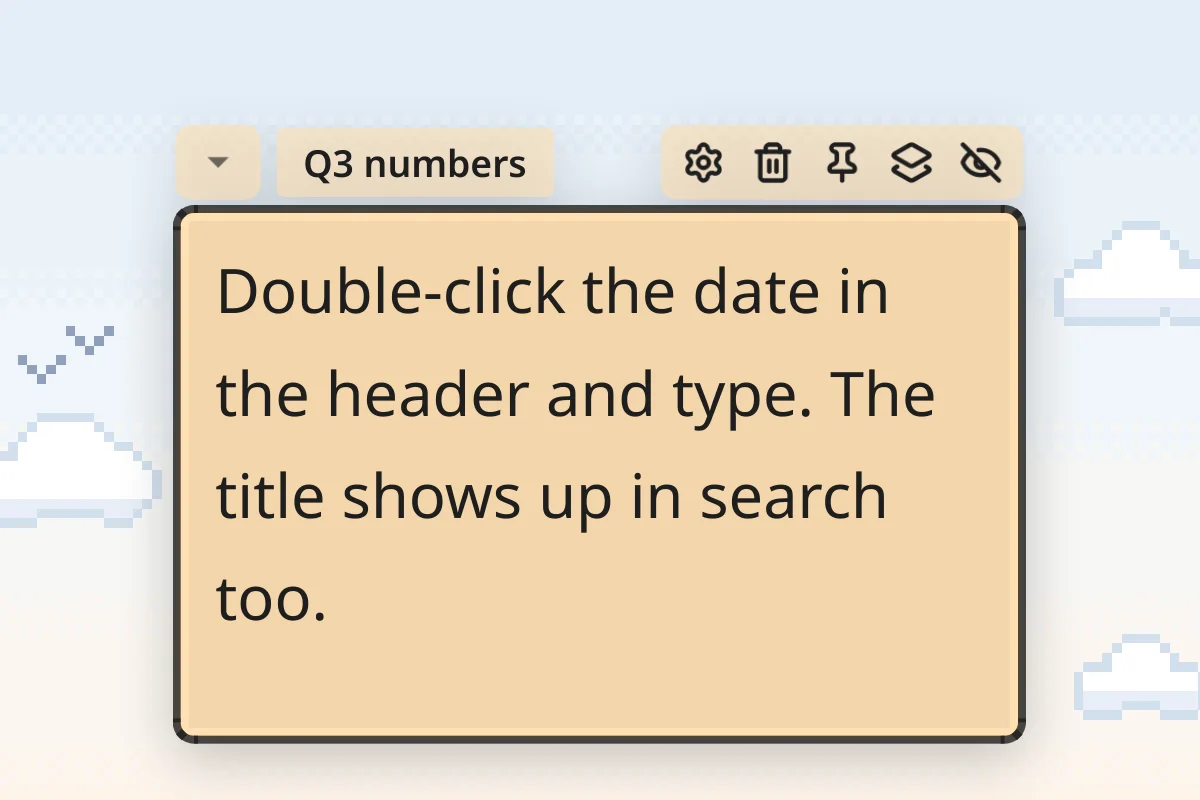
A title of your own
Up to 50 charactersEverything else it does
The rest, in the order that matters. All of it works in the free version, whose only limit is 4 notes.
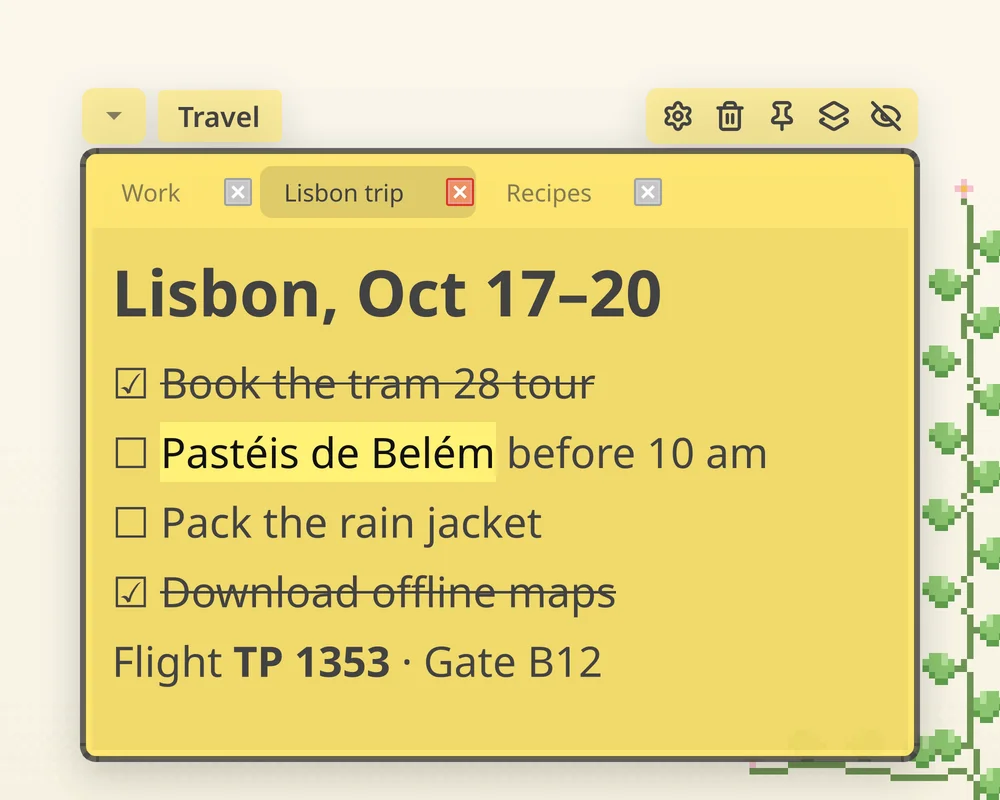
Note Tabs
NewKeep up to three pages in a single note, switched by tabs. A shopping list, meeting notes, and a scratchpad share one window instead of three. Each page keeps its own text, scroll position, and undo history.
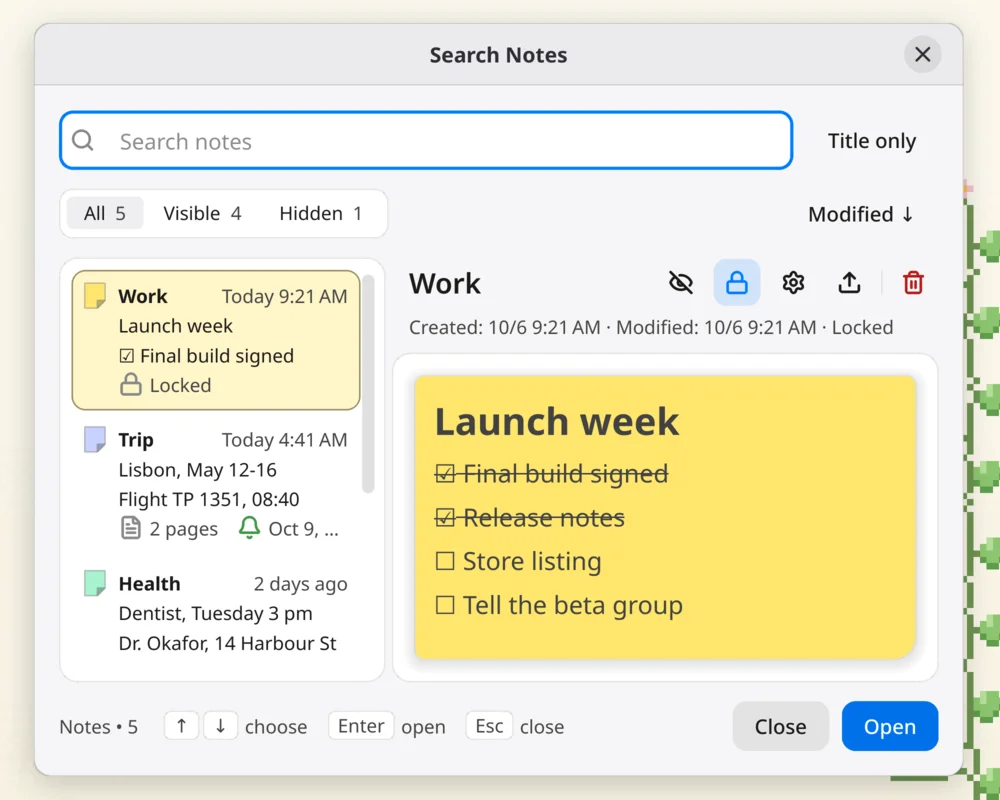
Search & Restore
Search every page of every note, including hidden notes and pages you have never opened, and recover deleted notes from trash whenever you need them.
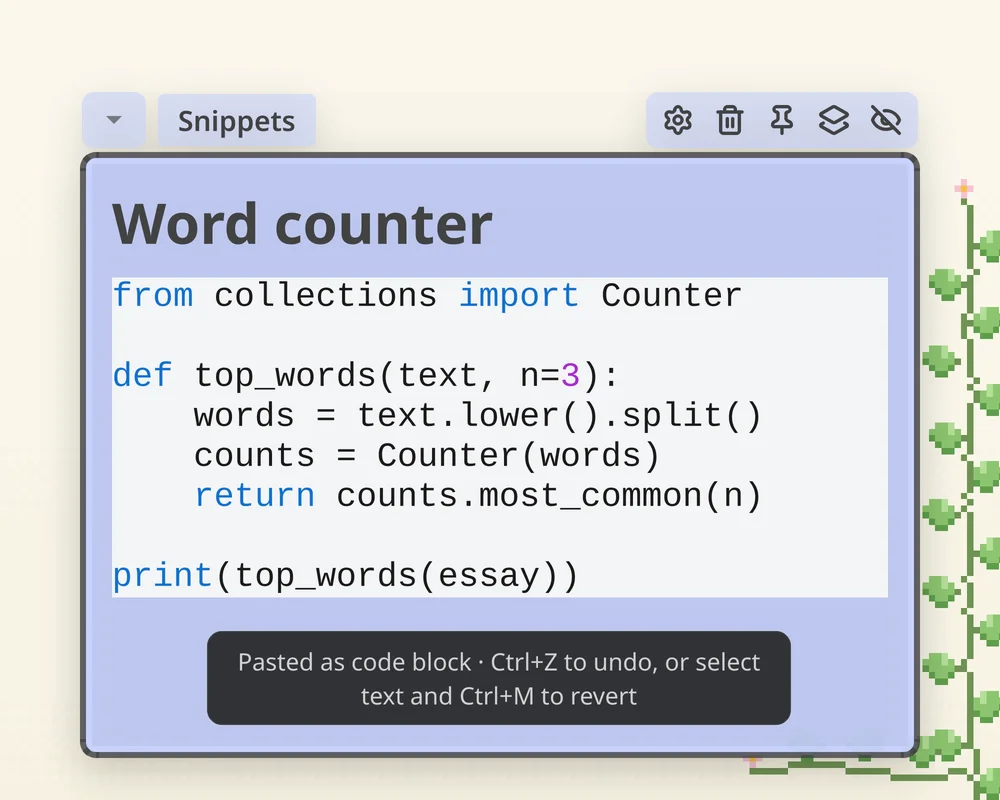
Code Blocks
Paste or type code with automatic language detection and theme-aware styling. Supports Python, JavaScript, SQL, HTML, and more.
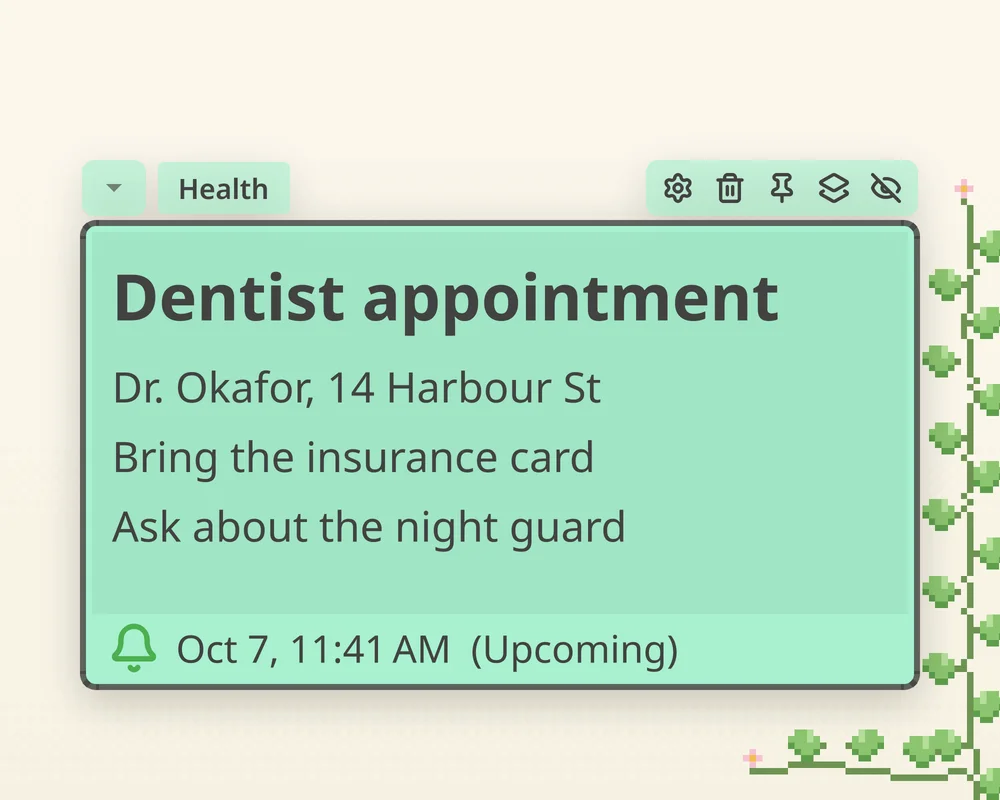
Reminders
Set simple desktop reminders with sound alerts and system notifications.

Lock & Always on Top
Lock notes in place and keep them visible above all windows while you work.
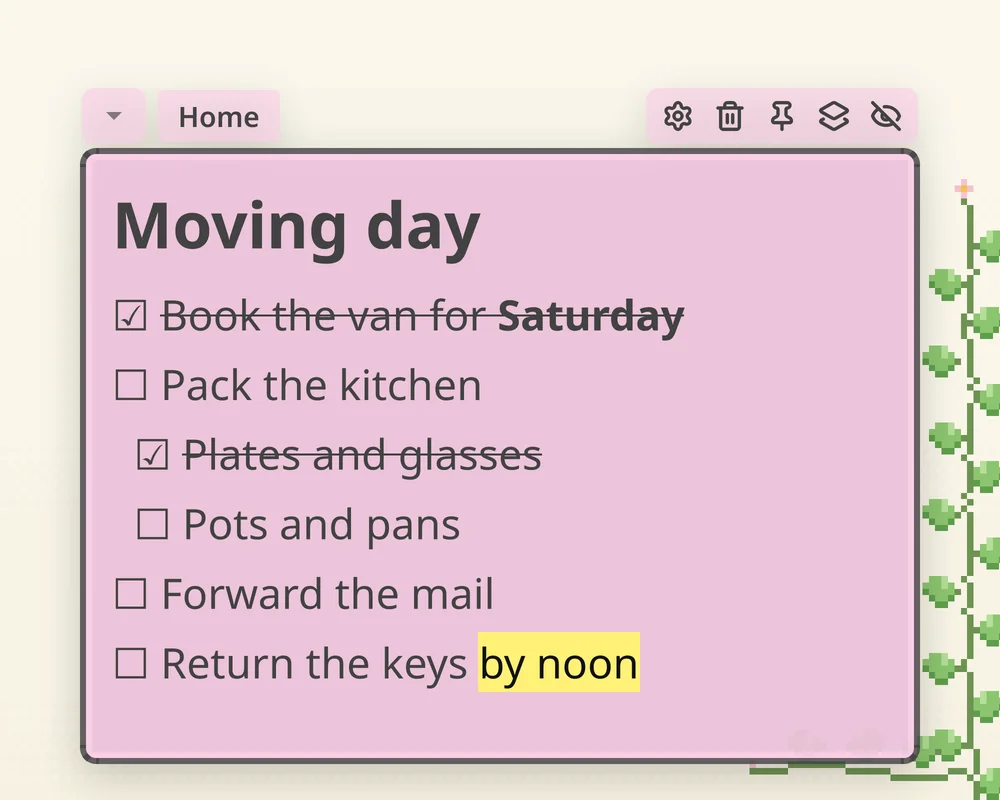
Nested Todos & Rich Text
Hierarchical todo checklists with Tab and Shift+Tab, plus titles, links, and highlights to organize your notes.
More Features
Hover Preview
Hover over pasted images and PDFs to see a quick preview without opening them.
Snap to Grid
Easily organize and align your notes on the desktop with snap-to-grid placement.
Custom Backgrounds
Set an animated GIF, your own image, or a solid color as a note's background, per note.
RTL Support
Native support for Arabic, Hebrew, and other right-to-left languages with automatic detection.
Export to JSON
Export your notes as JSON files - no vendor lock-in, your data stays yours.
Multi-Monitor Support
Put notes on any of your monitors, not just the primary one.
Quick to Set Up
A one-minute installer on Windows with no admin rights, an AppImage that just runs on Linux, and drag to Applications on a Mac.
Hide Notes
Temporarily hide notes to declutter your workspace instead of deleting them.
Drag & Resize
Freely position and resize your notes across multiple monitors with smooth interactions.
Cross-Platform
The same app on Windows, Linux and macOS.
Offline Support
Works without an internet connection - complete privacy and reliability.
Custom Shortcuts
Remap any keyboard shortcut with smart conflict detection.
Collapsible Notes
Collapse notes to header-only view to save screen space.
What Users Say
Quoted as written, with the source next to each one.
“Best money I've spent in a long time. Outstanding utility! Love that it's completely local, offline. Love the rich content. Great job.”
“I've tried Notion, Logseq and others.. but I just don't need all the extra things they cram in those apps. I wanted sticky notes that offered more customization than Microsoft's.. and yours had exactly what I was looking for! Enjoying it quite a bit.”
“Many highly functional sticky notes for Linux have disappeared due to the discontinuation of GNOME's API. Thank you for creating a sustainable, highly functional sticky note software. I am Japanese. Thank you for providing input method support for Asian regions. I will continue to use this, and I hope it will support Linux for a long time.”
“I like it. Going to use this in my daily life and paid the $7 for premium/to support you. Thank you.”
“I just wanted to show my gratitude for your BetterStickies app. It has made me much more productive in my work. Thank you for the update and for all your hard work! I really appreciate it.”
“This app is a true gem. It has exactly the functions and individual customization options I was looking for. AWESOME! Thank you so much”
“Hello, I purchased your sticky app and love it so far, I'm an app developer for my company and I like to use stickies for code snippets and reminders. Plus I like supporting devs like you.”
“I'm really loving how I can put GIFs and pictures on my desktop. No other program does it as well as yours.”
“I had the same idea and even started working on it but you made it so much cooler”
Start Free, Premium Optional
BetterStickies is free to use. Premium helps fund continued development.
The free version has one limit
4 notes, and each extra tab counts as one · no time limits, no signup
Download FreePremium
One-time payment20% OFF: v1.6 Release & Holiday Sale
- Unlimited sticky notes
- Note tabs stop counting toward the limit
- Private Discord channel access
- 3× voting power on feature roadmap
- Early access to new features


Frequently Asked Questions
Limits, pricing, platforms, backups, and refunds.
Have more questions?
Why Sticky Notes?
Sticky notes have been helping people think, plan, and get things done for decades, no manual needed. BetterStickies is built to keep that simplicity while adding the benefits of digital: searchable, customizable, always on your screen. No accounts, no cloud, no tracking. Your notes stay on your device, always.
Simple tools, done right.