Press kit
Facts, descriptions and assets for writing about BetterStickies or making a video about it.
Fact sheet
- Name
- Better Stickies as a title or heading; BetterStickies in running text
- Developer
- Hima, an independent developer. Operated by Zurqa Tech
- Platforms
- Windows, macOS and Linux
- Linux
- Tested on KDE Plasma, GNOME and Cinnamon, across Ubuntu, Fedora, Debian, Arch, Mint and Zorin
- Price
- Free version with one limit: 4 notes, and each extra tab inside a note counts as one of them. Premium is a one-time purchase, currently $7.99, that removes the limit. No subscription
- Privacy
- Notes are stored locally and work offline. The app needs no account and does no tracking
- Users
- Thousands of people every day
- Formerly
- OpenStickies
- Website
- betterstickies.com
- Contact
- support@betterstickies.com
Descriptions
One sentence
BetterStickies is an offline sticky notes app for Windows, macOS and Linux.
About 50 words
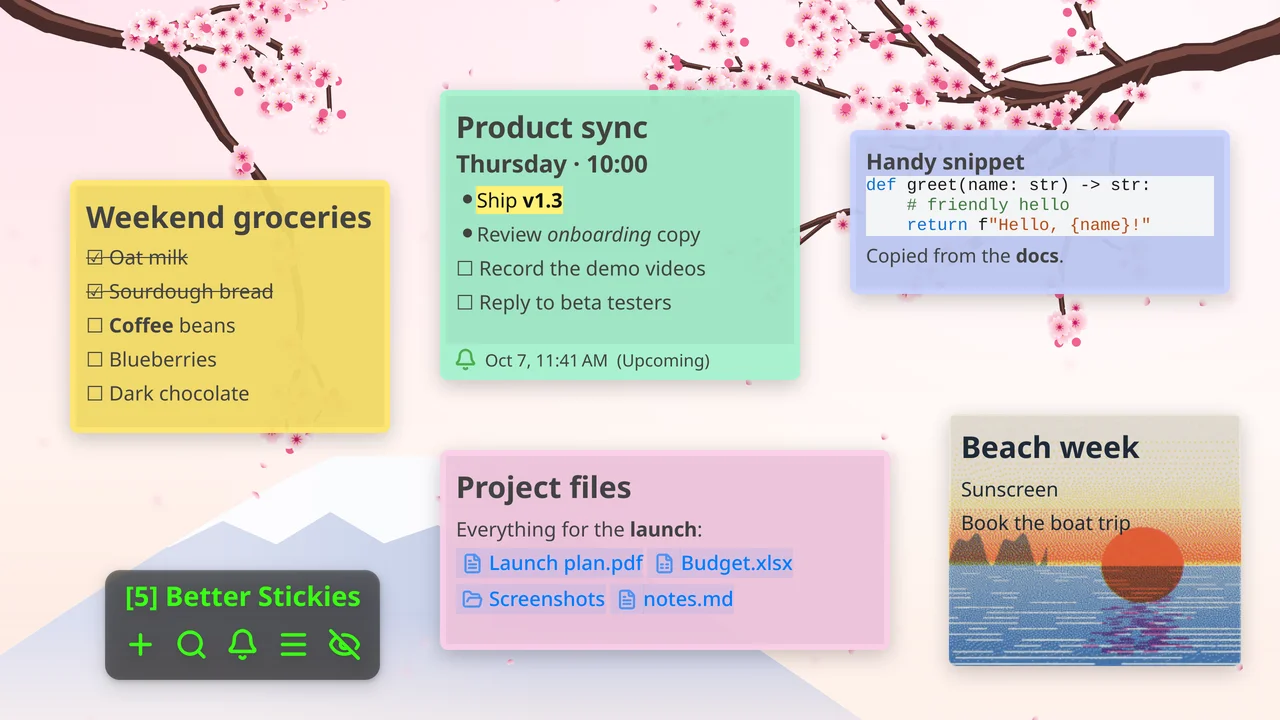
BetterStickies is a desktop sticky notes app for Windows, macOS and Linux. Notes live on your computer, work offline and need no account. Paste screenshots, files, code or links straight into a note, then add tabs, reminders and GIF backgrounds. The free version holds 4 notes, and each extra tab inside a note counts as one of them.
About 150 words
BetterStickies is a desktop sticky notes app for Windows, macOS and Linux. Notes live on your computer, work offline and need no account. Paste screenshots, files, code or links straight into a note, then add tabs, reminders and GIF backgrounds. The free version holds 4 notes, and each extra tab inside a note counts as one of them. Notes also hold code blocks, nested checklists and rich text, and each one has its own background, opacity, font size and line spacing. Premium is a one-time purchase, currently $7.99, that removes the note limit. BetterStickies is built by Hima, an independent developer, and started out as OpenStickies. Thousands of people use it every day. It is available from betterstickies.com, the Microsoft Store and the Snap Store. Feature priorities are voted on in the open on the public roadmap.
What it isn't
- Not open source. The public GitHub repository hosts the free version's releases only.
- No cloud sync and no mobile apps.
- Not unlimited for free: the free version holds 4 notes, and each extra tab inside a note counts as one of them.
Features
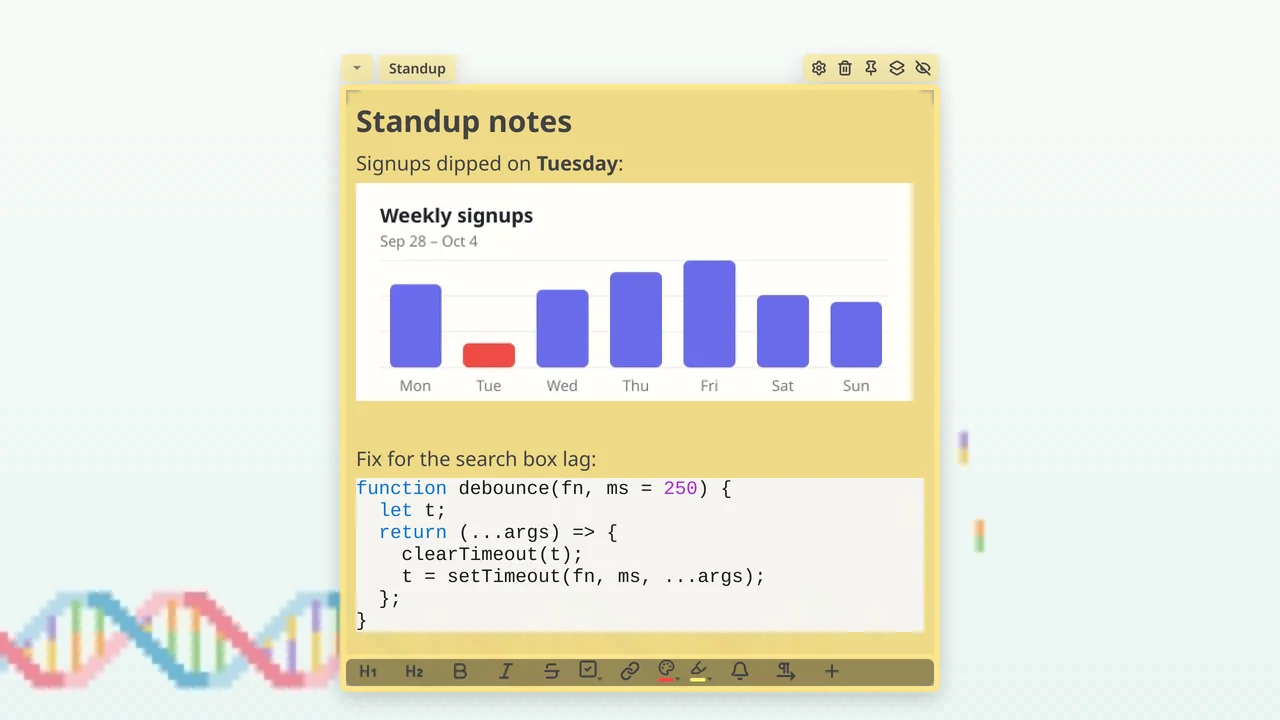
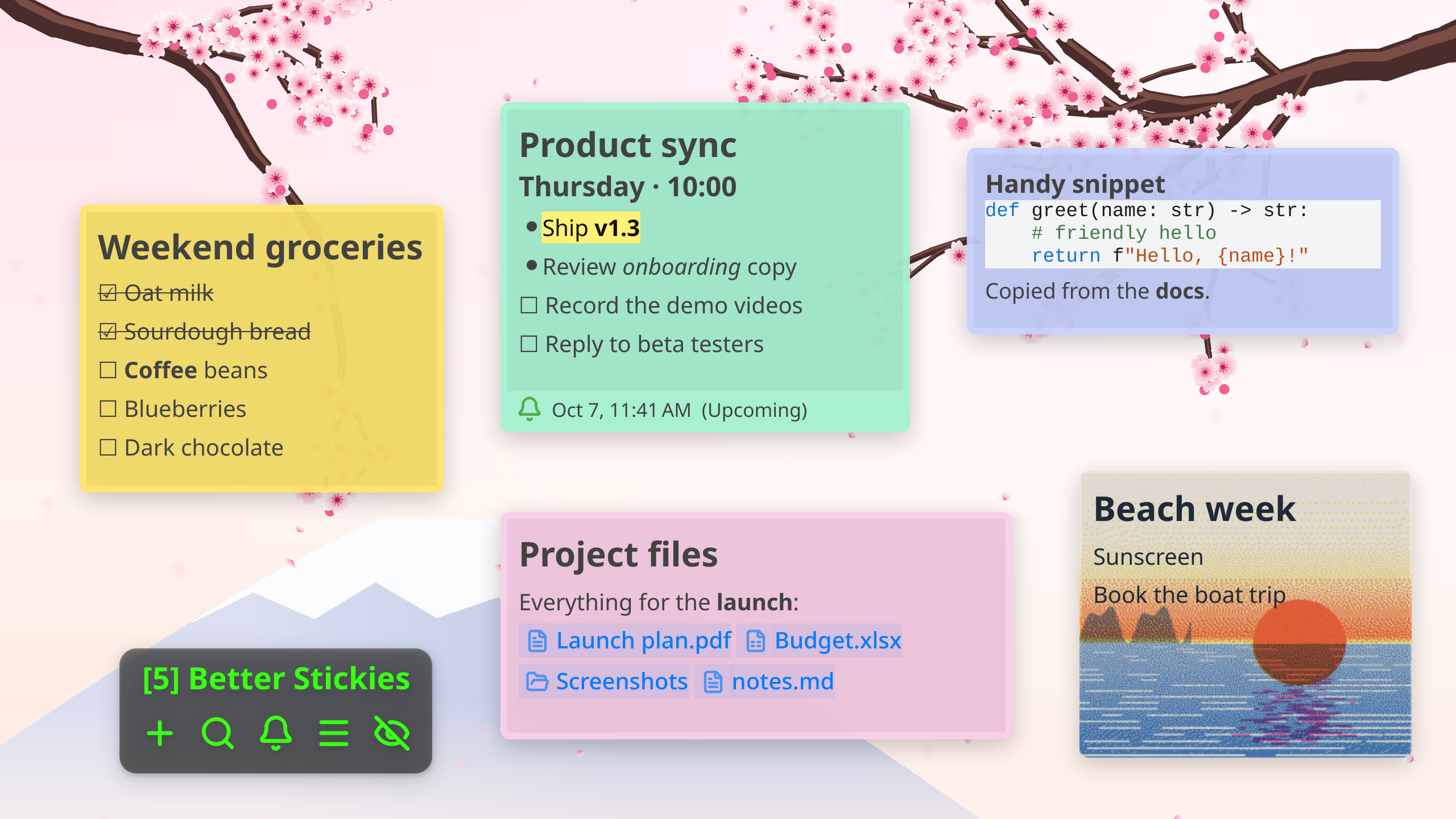
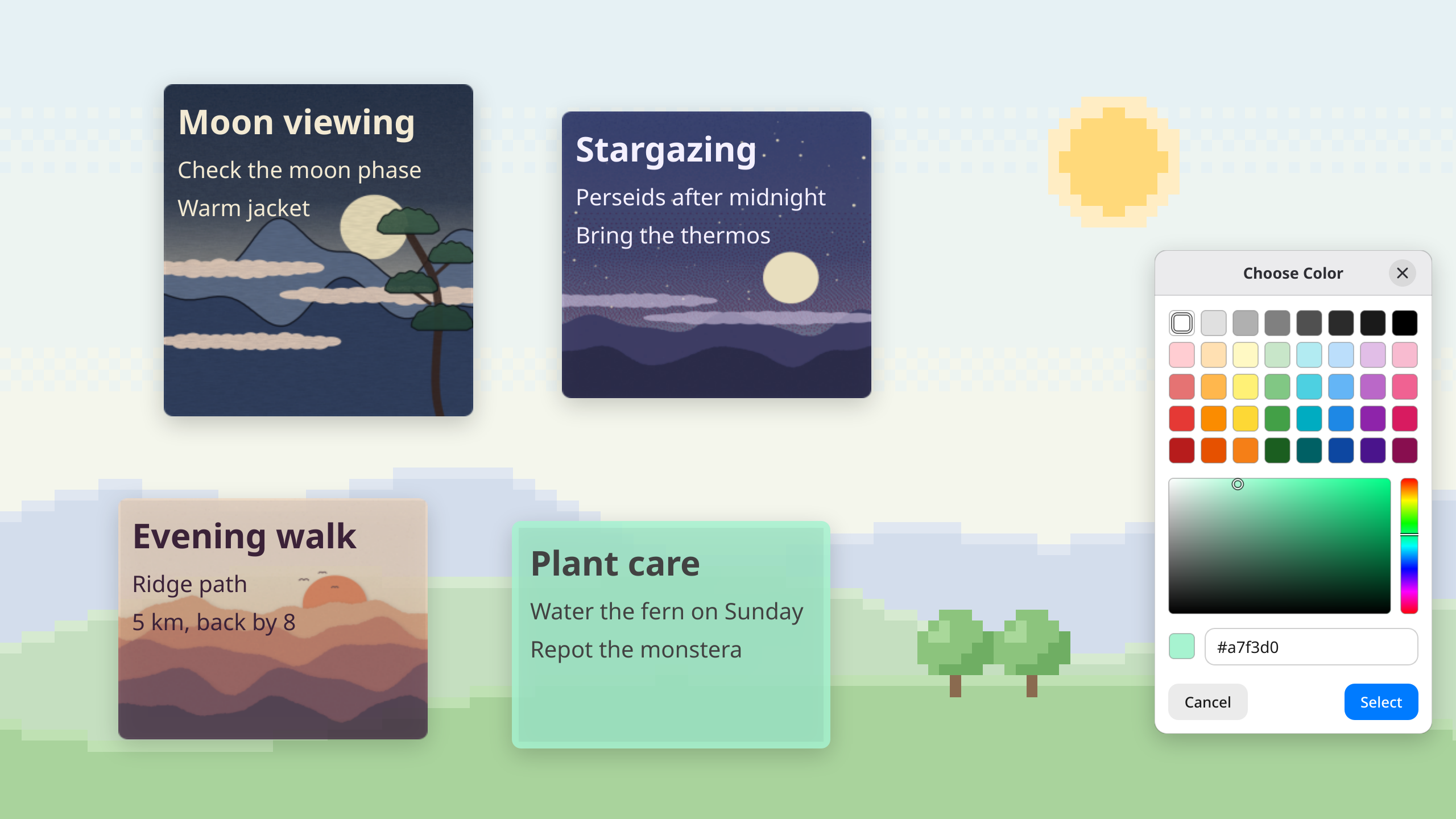
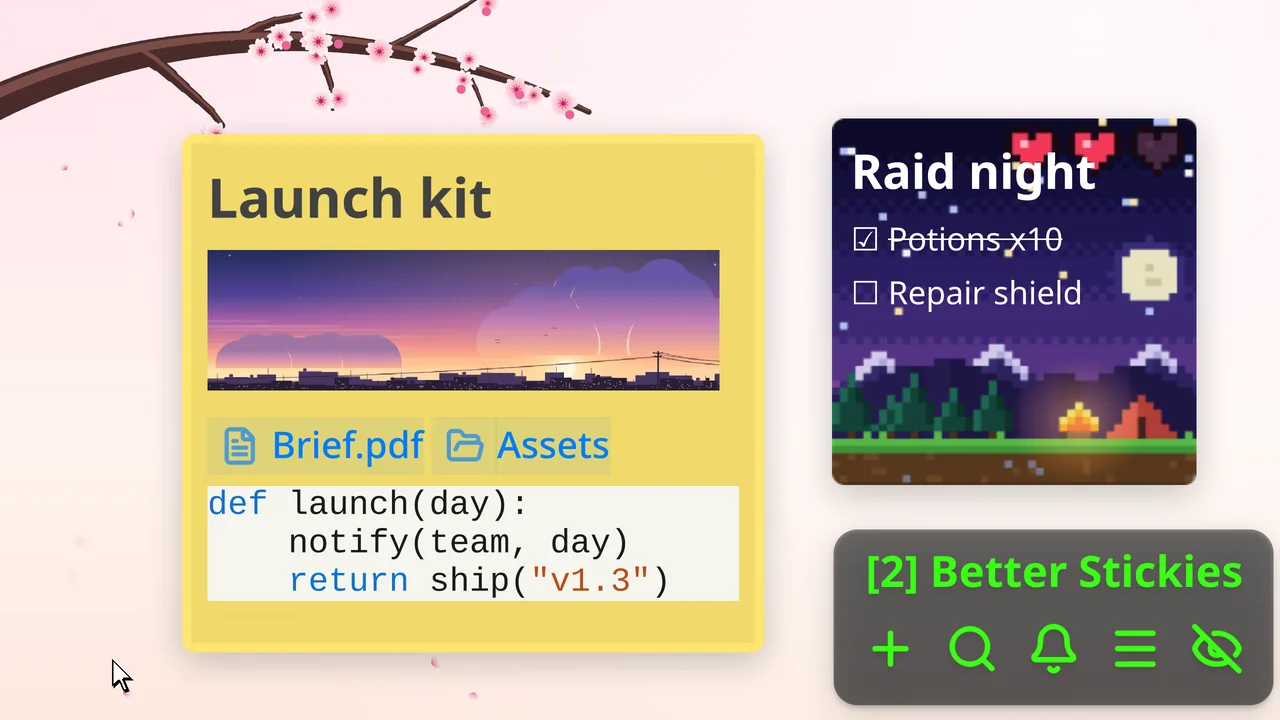
- Paste anything: screenshots, files, code, Markdown, web content and links, plus sound files that play right inside the note (new in v1.4)
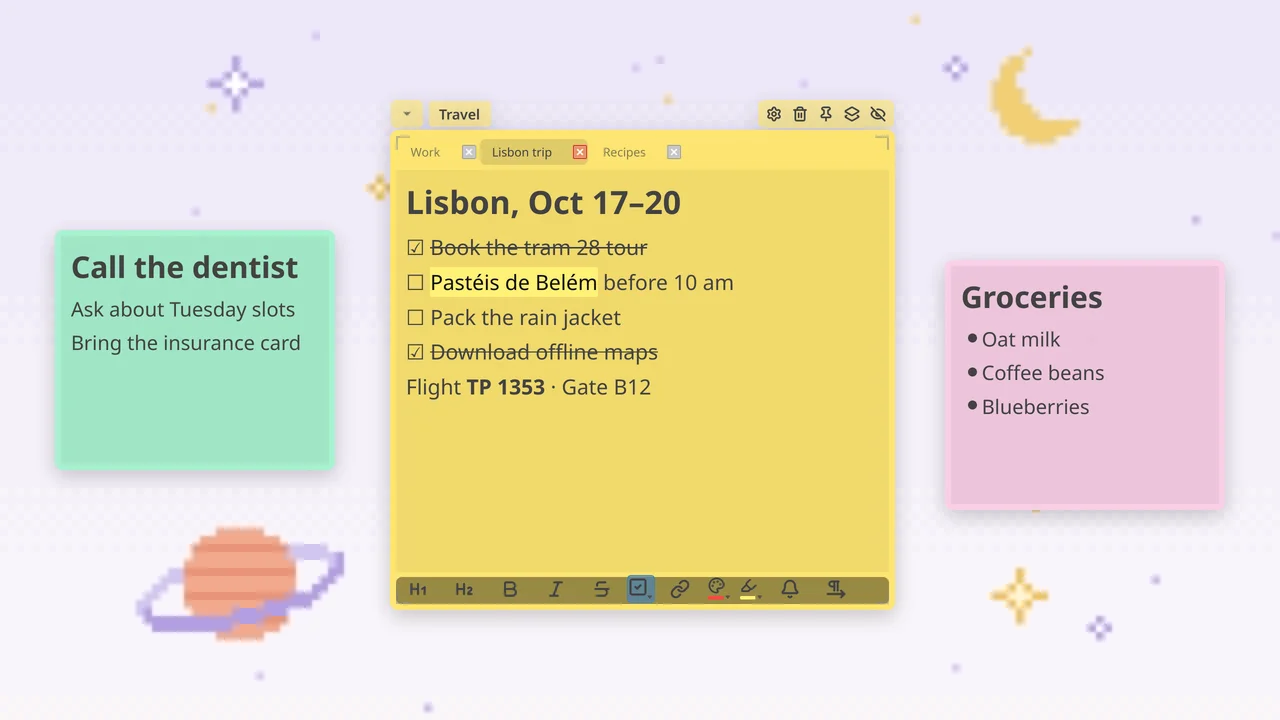
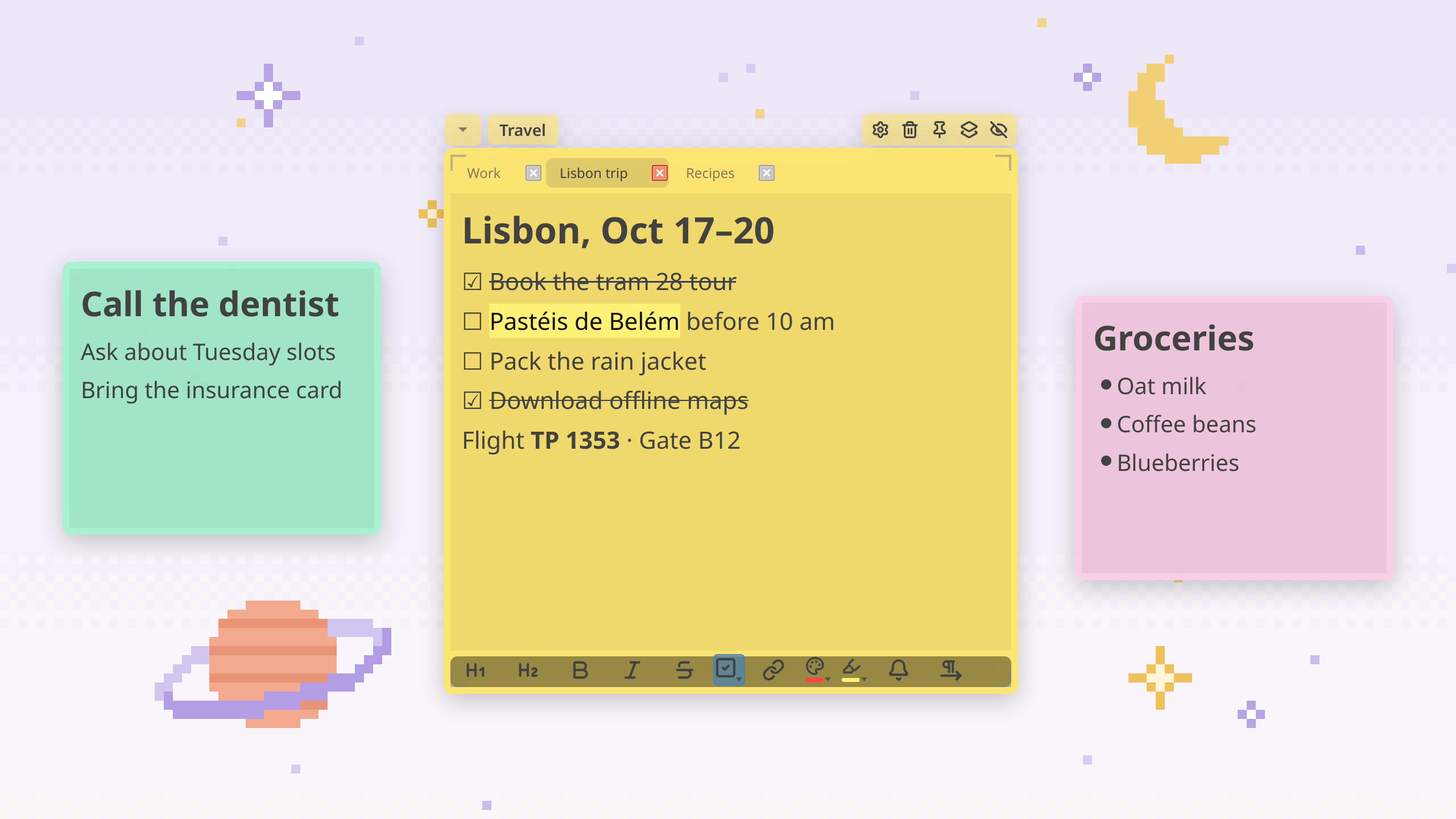
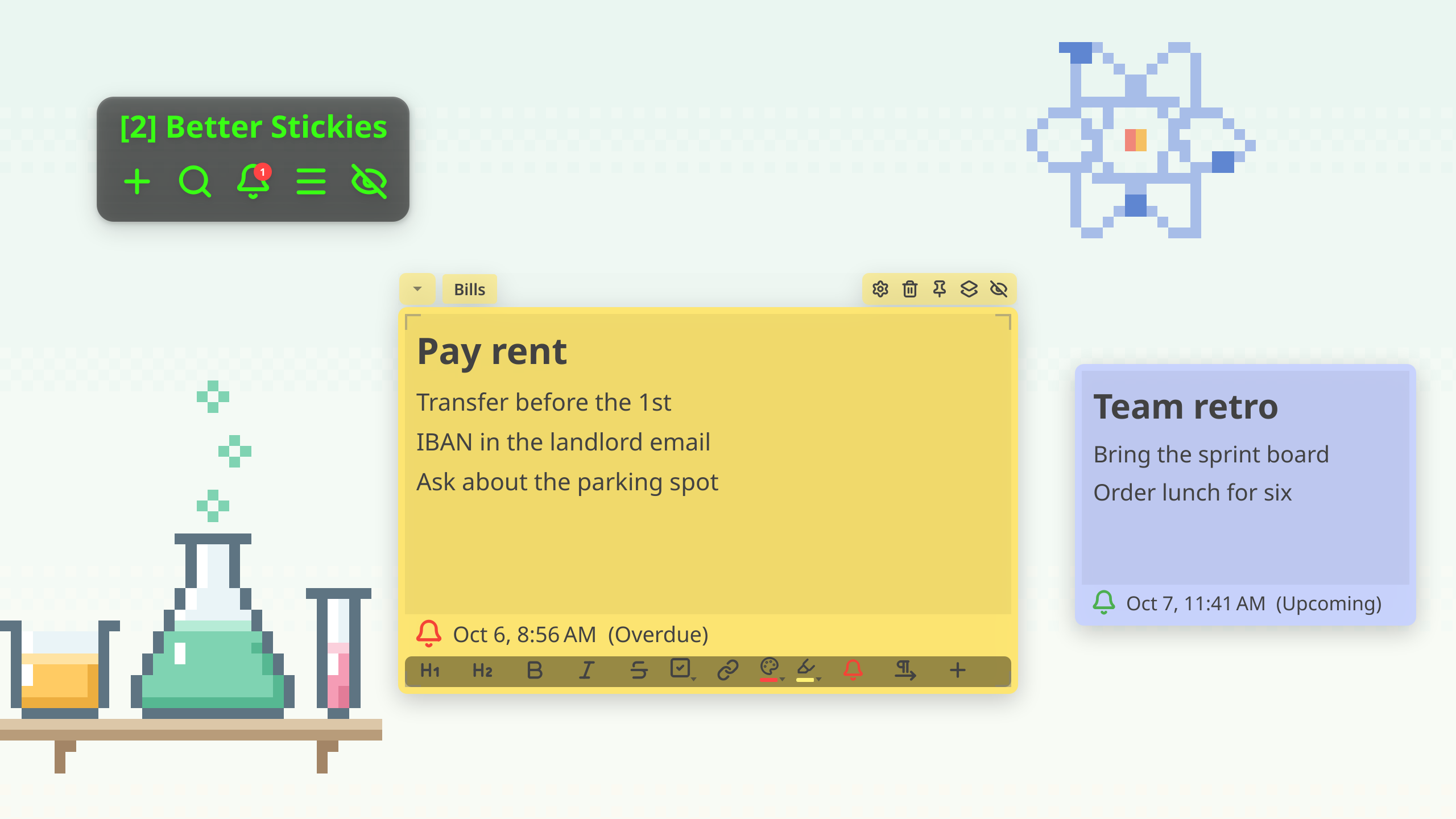
- Tabs inside notes, up to 3 pages per note
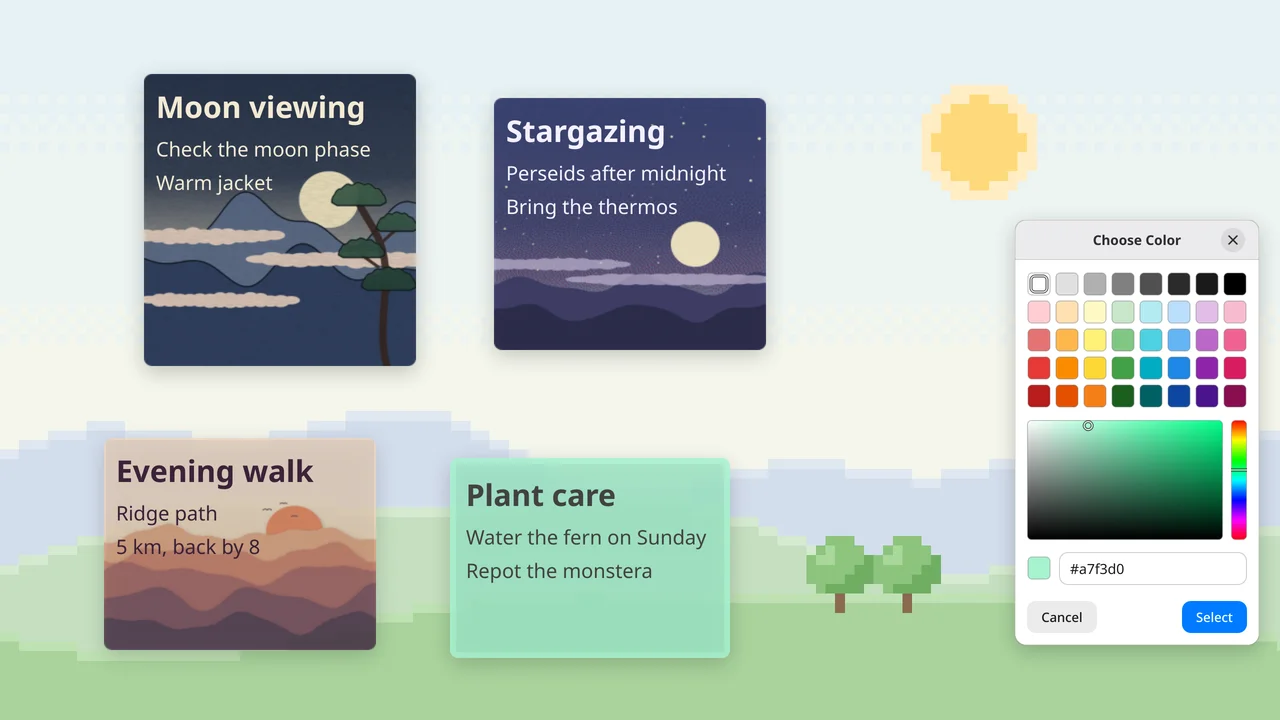
- Custom backgrounds: solid colour, image or animated GIF
- Per-note opacity, font size and line spacing
- Code blocks
- Nested checklists and rich text
- Reminders
- Lock a note in place, or keep it always on top
- Search across every note and page
- Hide, collapse and snap notes to a grid
- Multi-monitor support
- Right-to-left text
- Export to JSON
Assets

App icon
 Download
App icon
PNG, 1024×1024
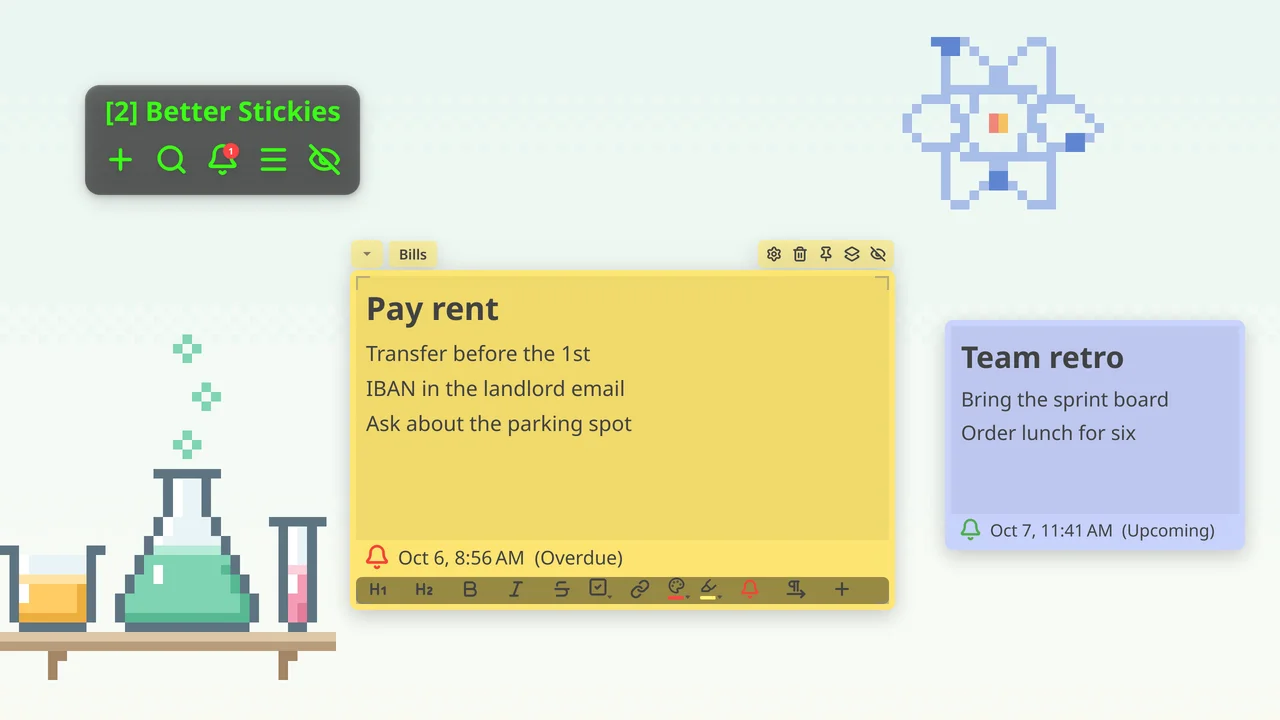
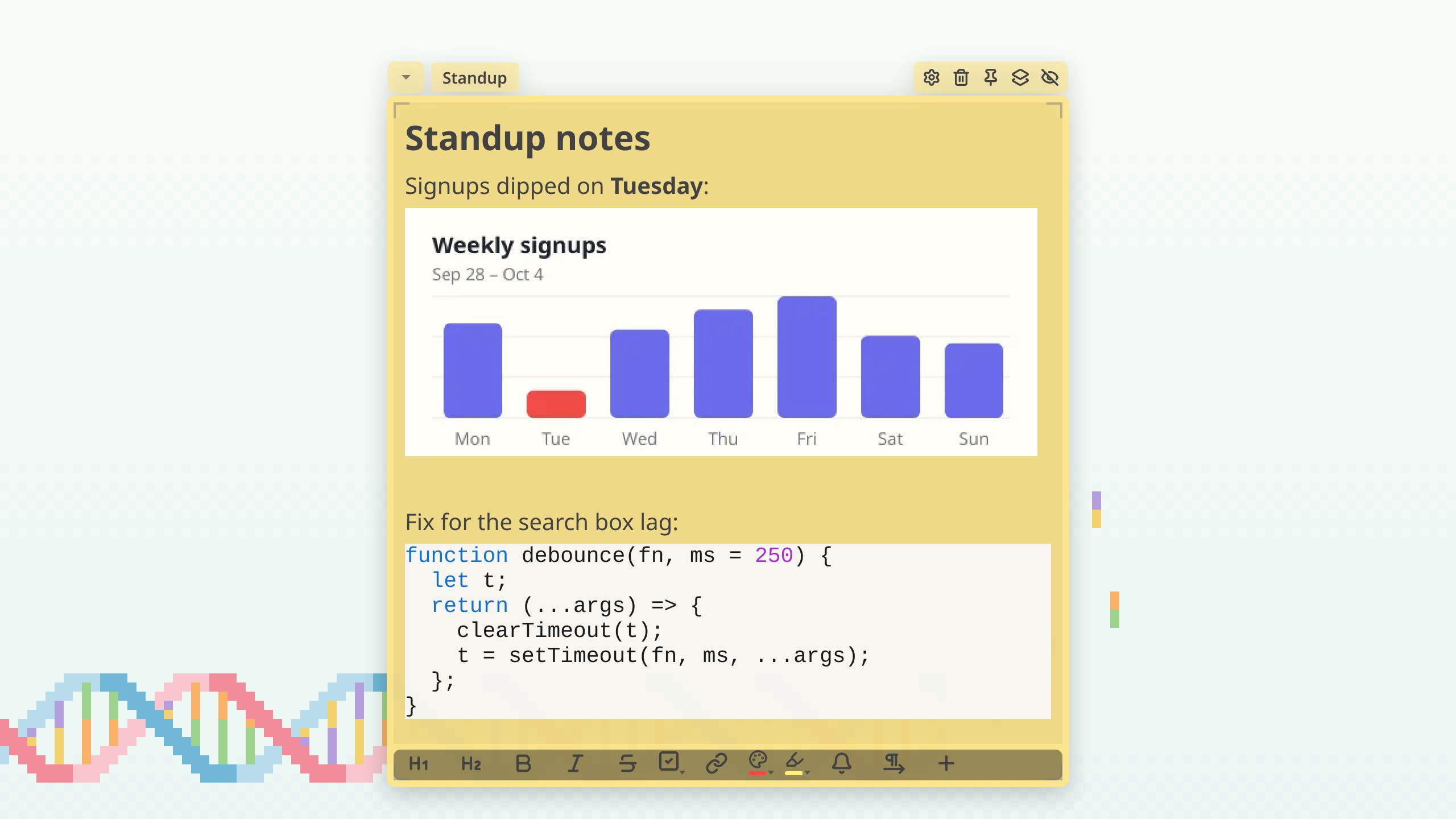
Screenshots

Clips
 Download
Product demo loop
MP4, short loop, no audio
 Download
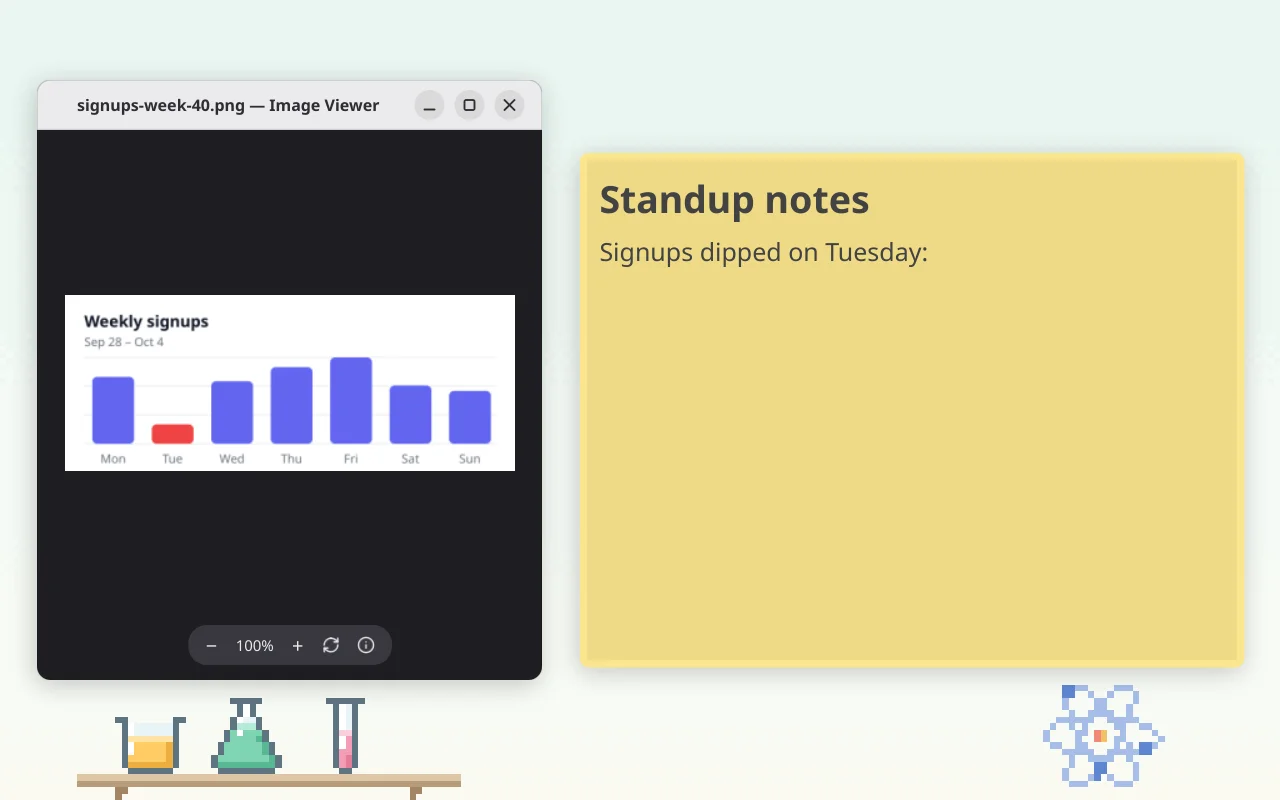
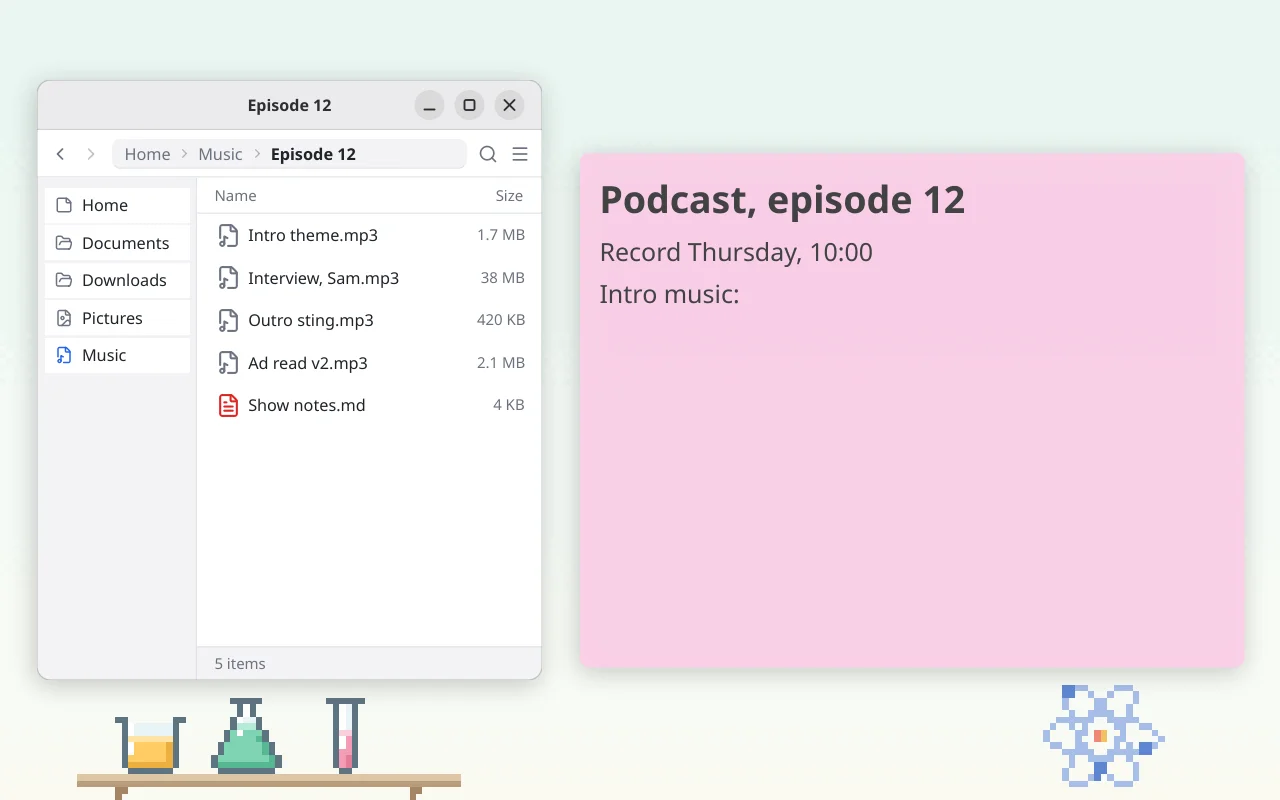
Pasting a screenshot
MP4, short loop, no audio
 Download
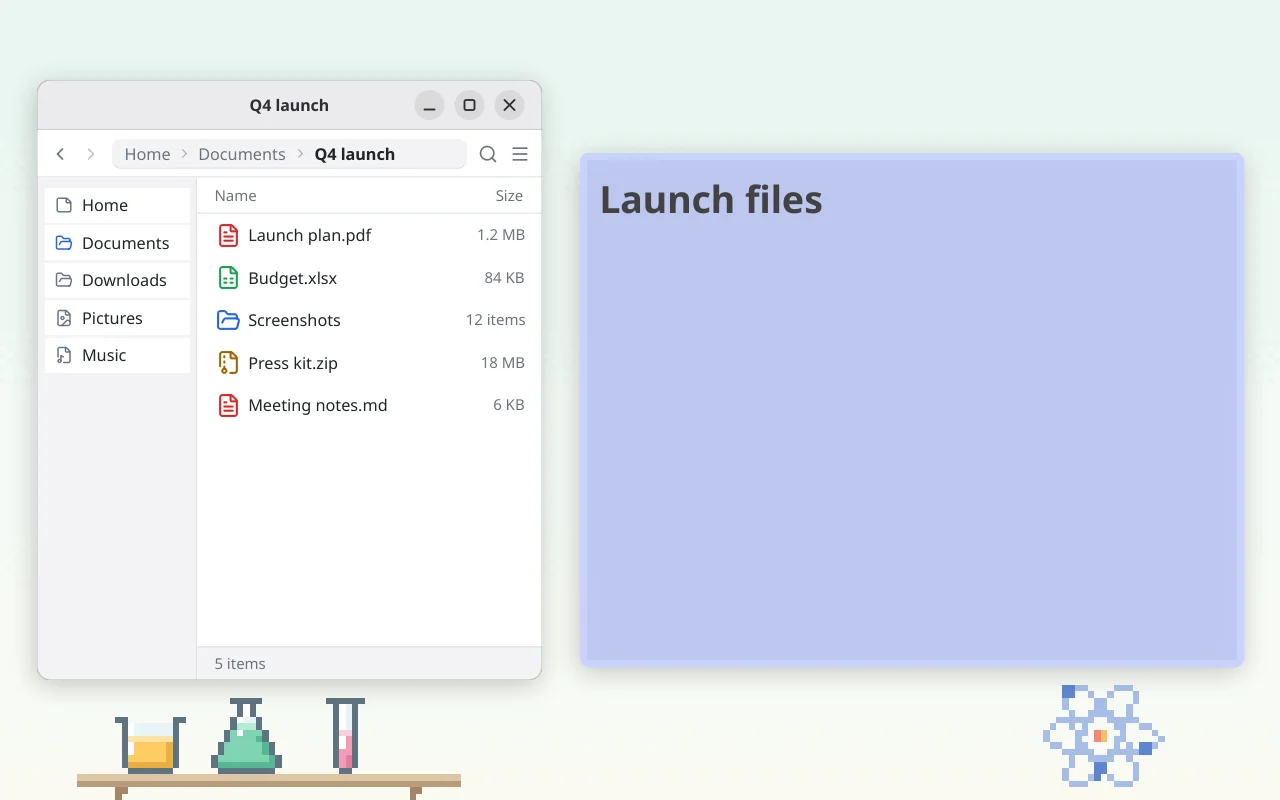
Pasting an audio file
MP4, short loop, no audio
 Download
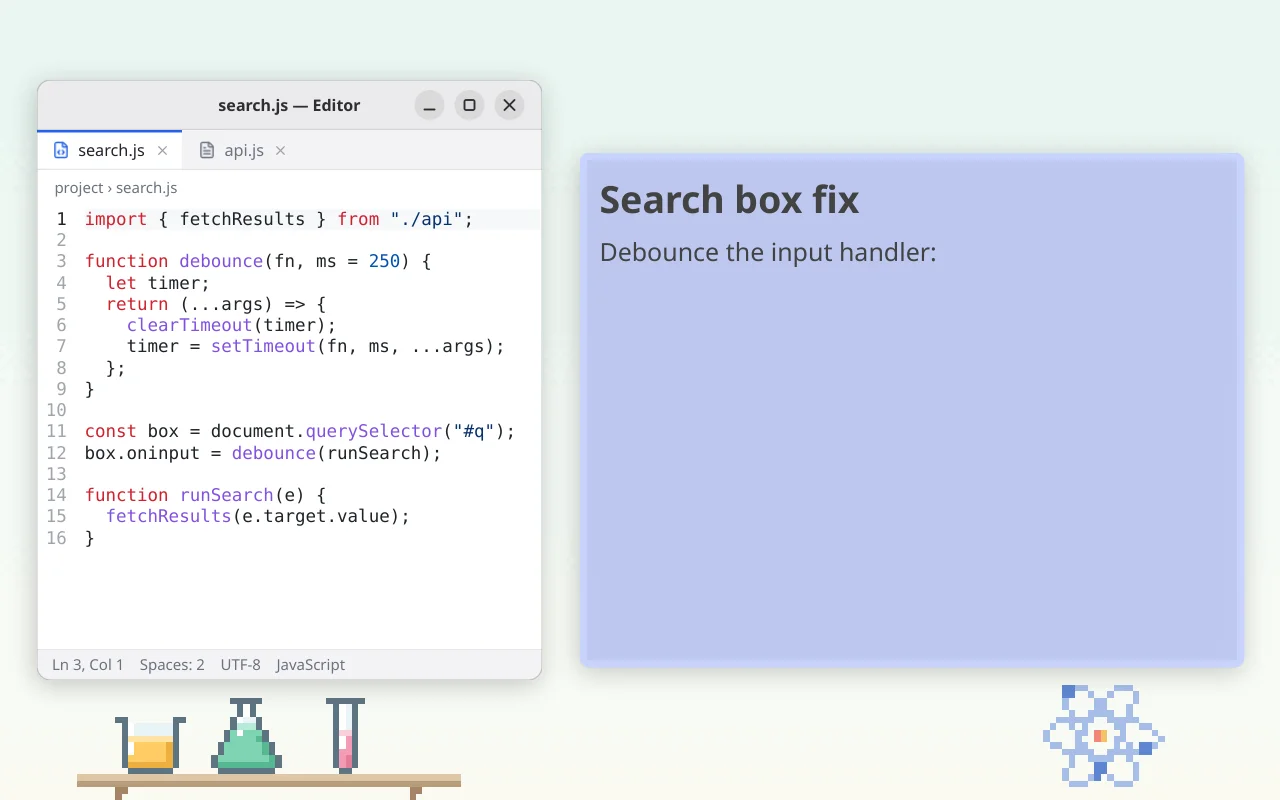
Pasting files
MP4, short loop, no audio
 Download
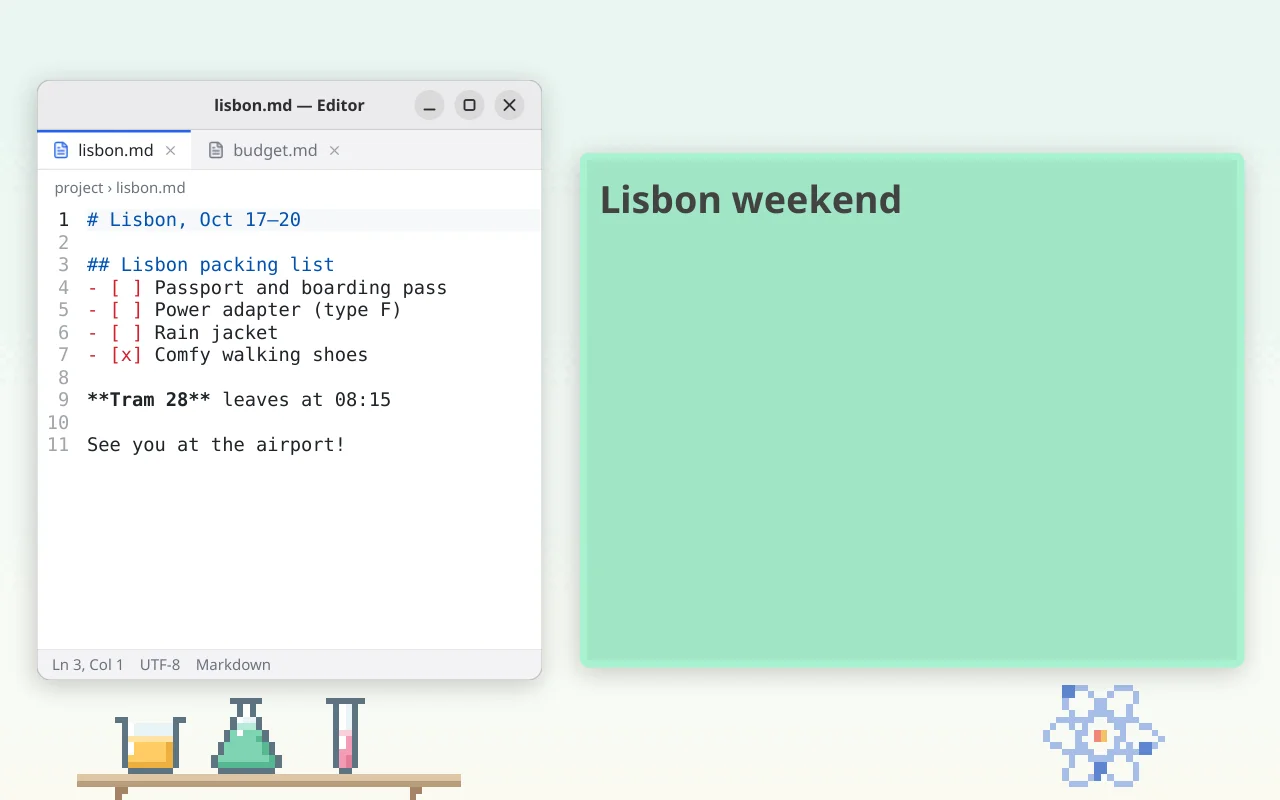
Pasting code
MP4, short loop, no audio
 Download
Pasting Markdown
MP4, short loop, no audio
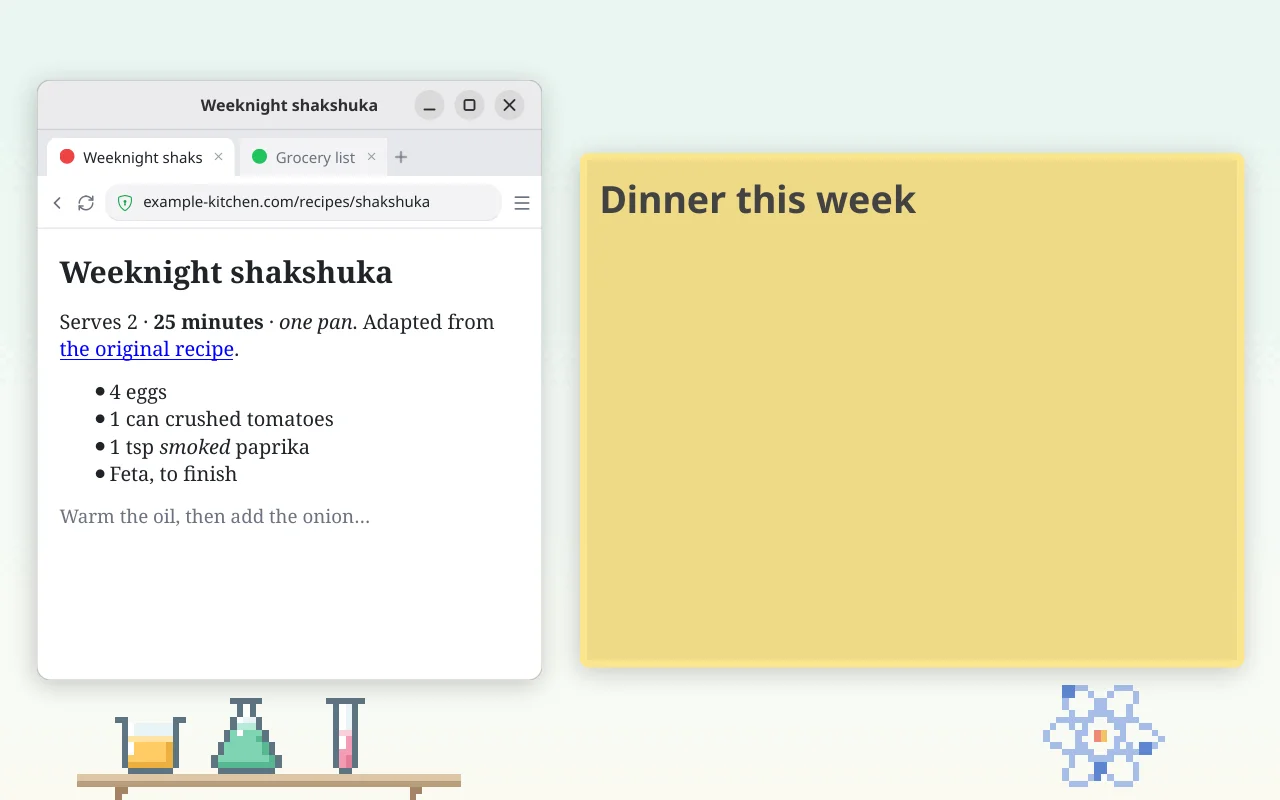 Download
Pasting a web page or document
MP4, short loop, no audio
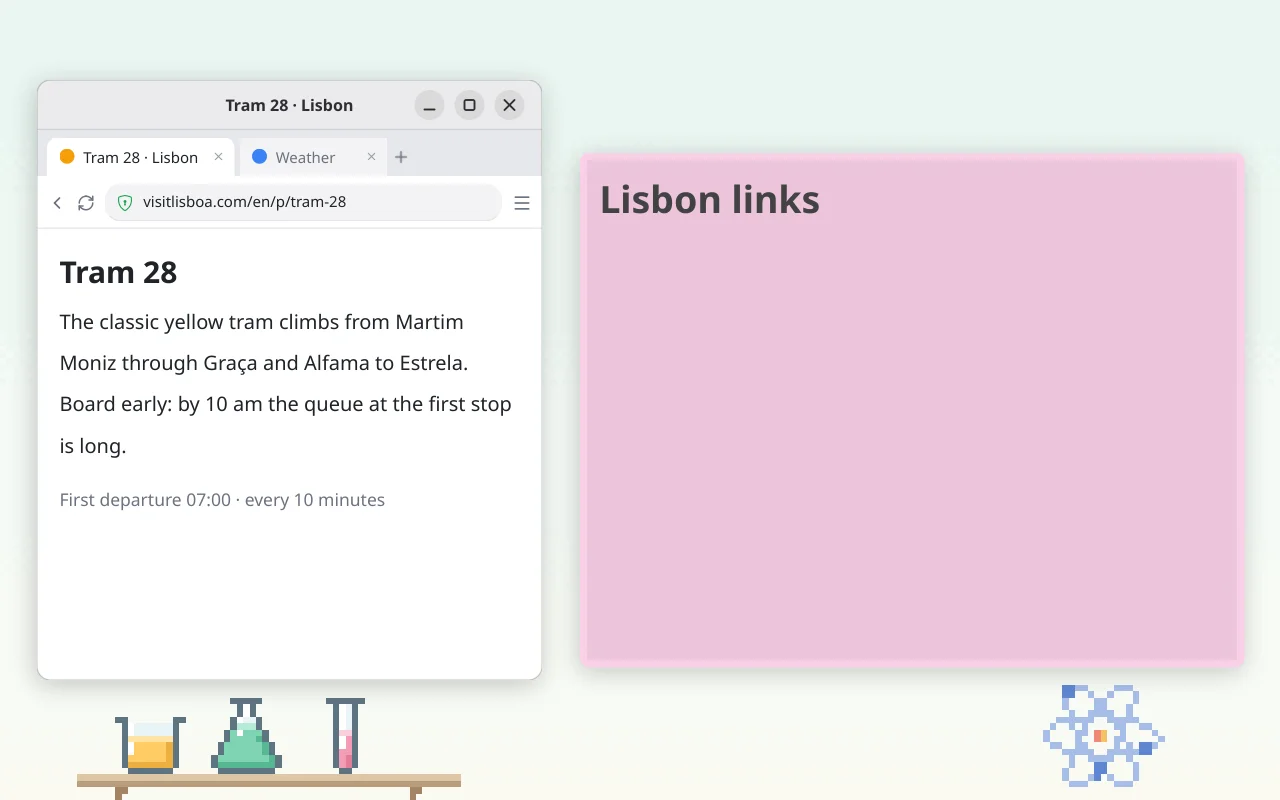 Download
Pasting a link
MP4, short loop, no audio
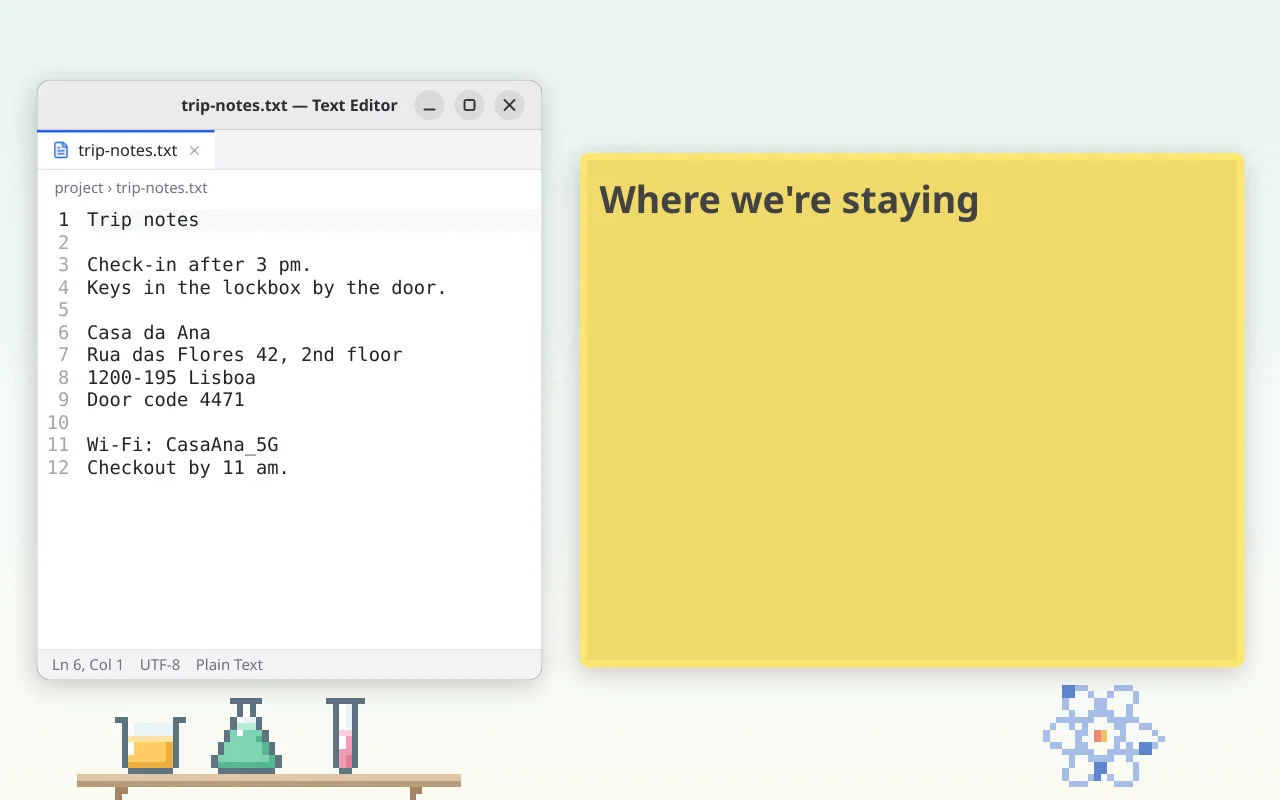 Download
Pasting plain text
MP4, short loop, no audio
Screenshots, clips and logos are free to use in articles, reviews and videos about BetterStickies. Please don't recolour or distort the logo.
For creators
Reviewing BetterStickies or making a video about it? Creators can request complimentary Premium for coverage. Sign in once at betterstickies.com so your account exists, then email support@betterstickies.com with a link to your site or channel and the email you signed in with.
Contact
Hima is happy to answer questions and do interviews: support@betterstickies.com.